MC Skin Creator
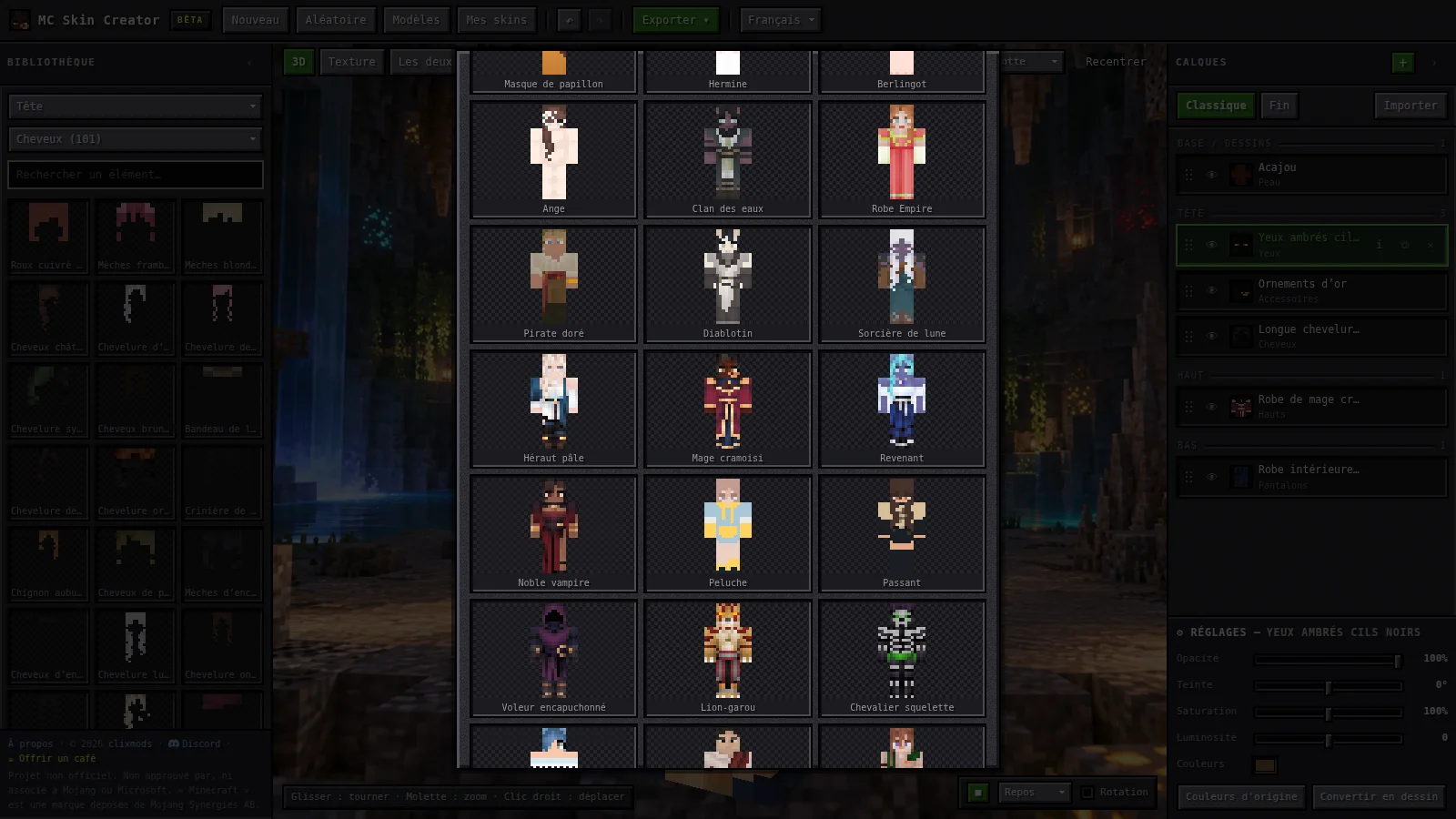
MC Skin Creator is a Minecraft skin editor that runs in the browser, live at mcskincreator.app. You build a character by stacking layers (skin, eyes, hair, clothes…) taken from a catalogue of more than 500 elements, recolour them, paint pixel by pixel and watch the result in animated 3D, against nine scenic backgrounds (meadow, cherry blossoms, snow, jungle, canyon, lagoon, cave, swamp, nether…), before exporting it as PNG, GIF or a sprite sheet. More than 120 starter models let you begin from an existing character. The application pairs a Java 21 / Spring Boot 4 back end with an Angular 21 front end, shipped together in a single executable jar built by Maven. The interface is available in French, English and Spanish.
A personal project, built with AI. MC Skin Creator was developed end to end with the help of AI (Claude / Claude Code): it is both a live product and a real-life experiment in what one person with an assistant can now build, test, deploy and promote. Every screenshot on this page was taken inside the site itself, using the catalogue’s own models and backgrounds.
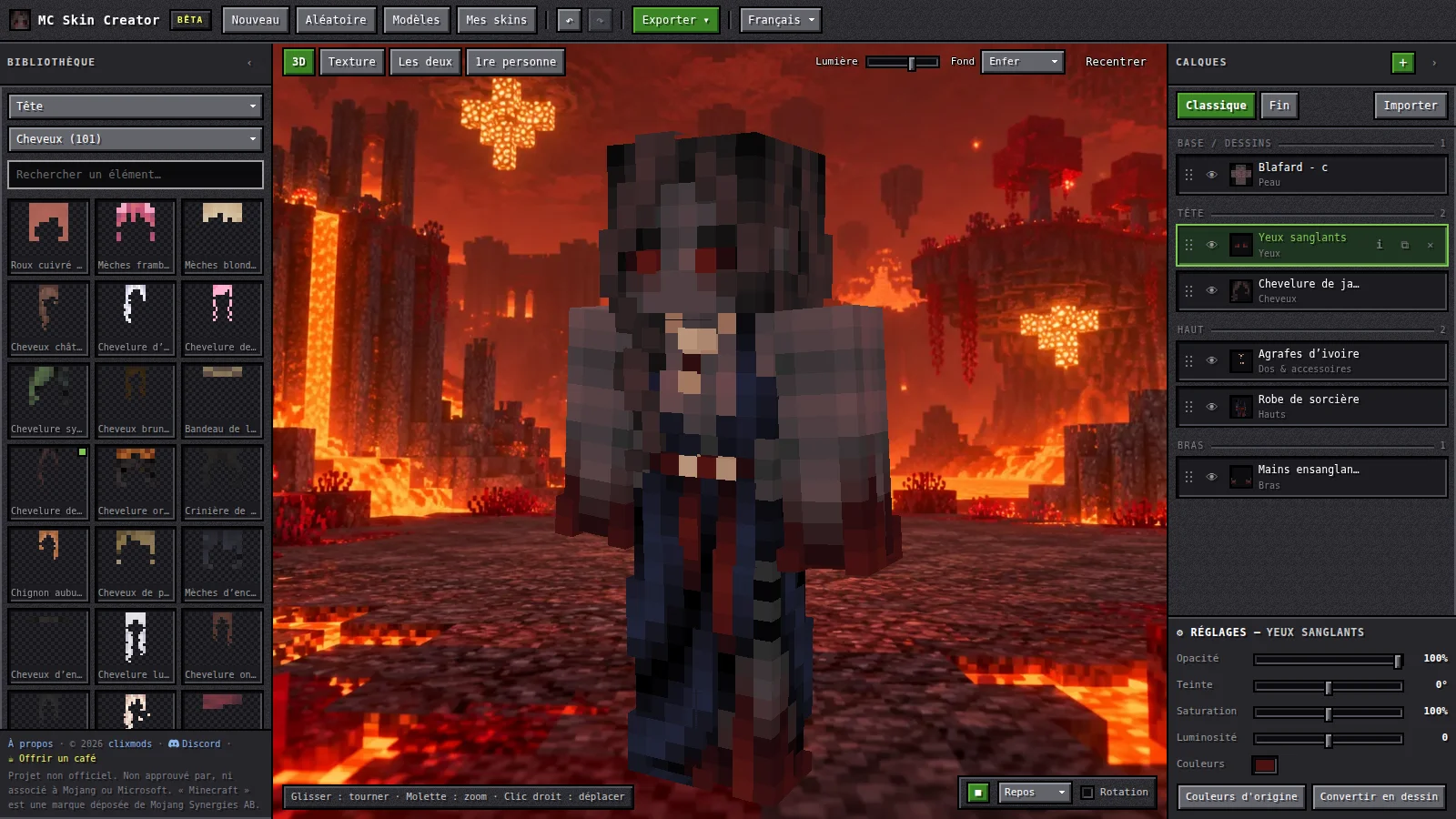
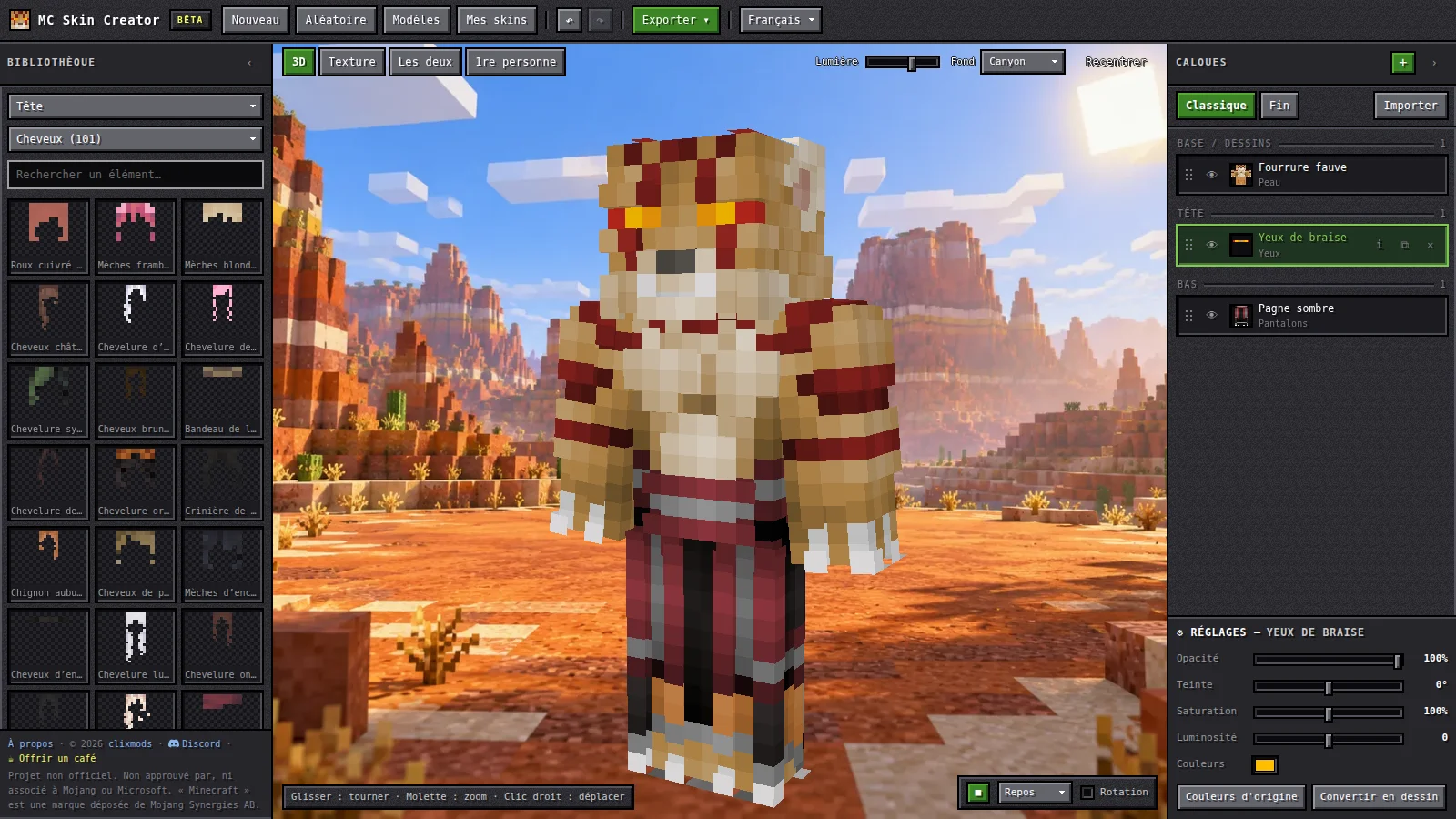
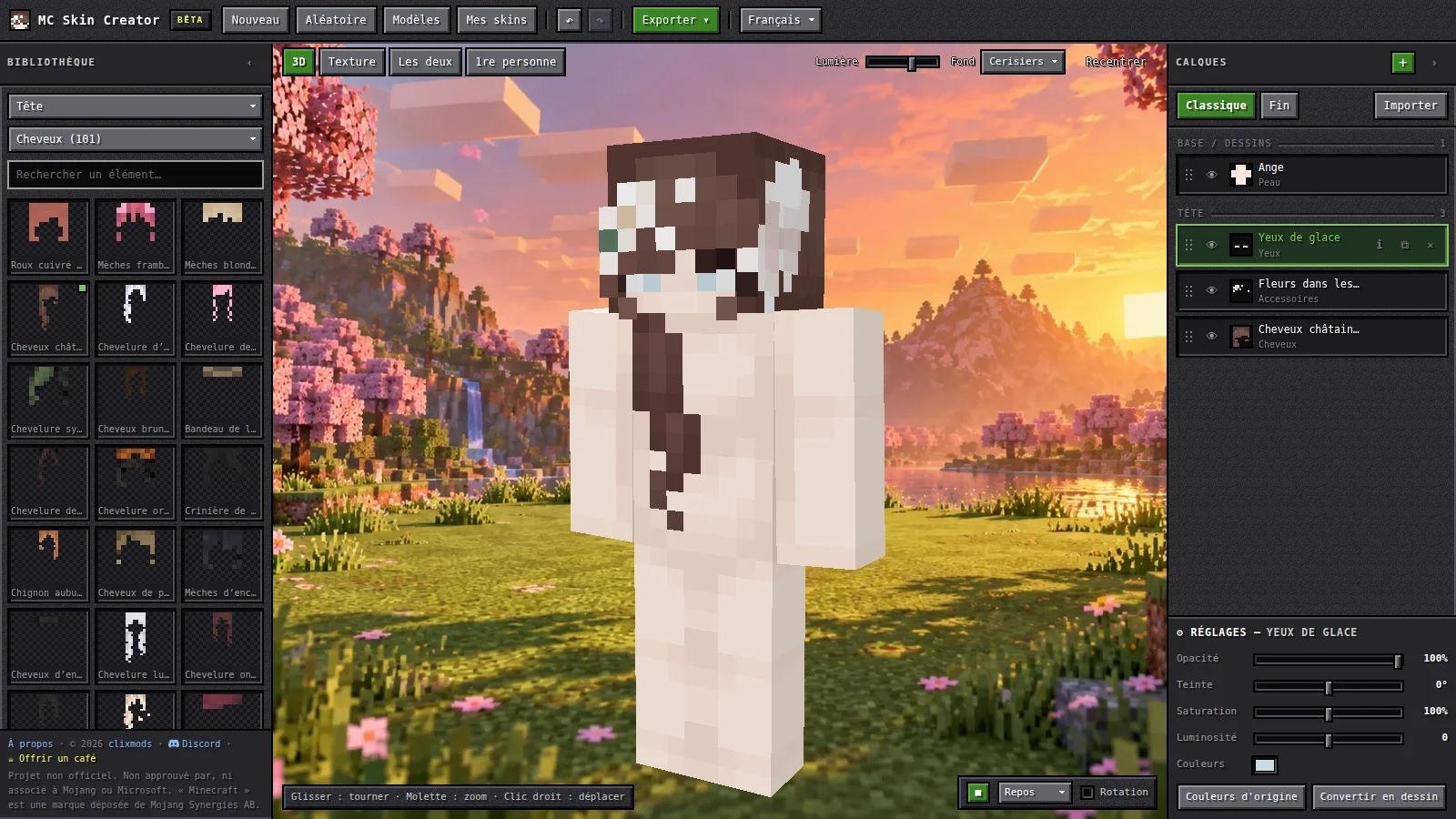
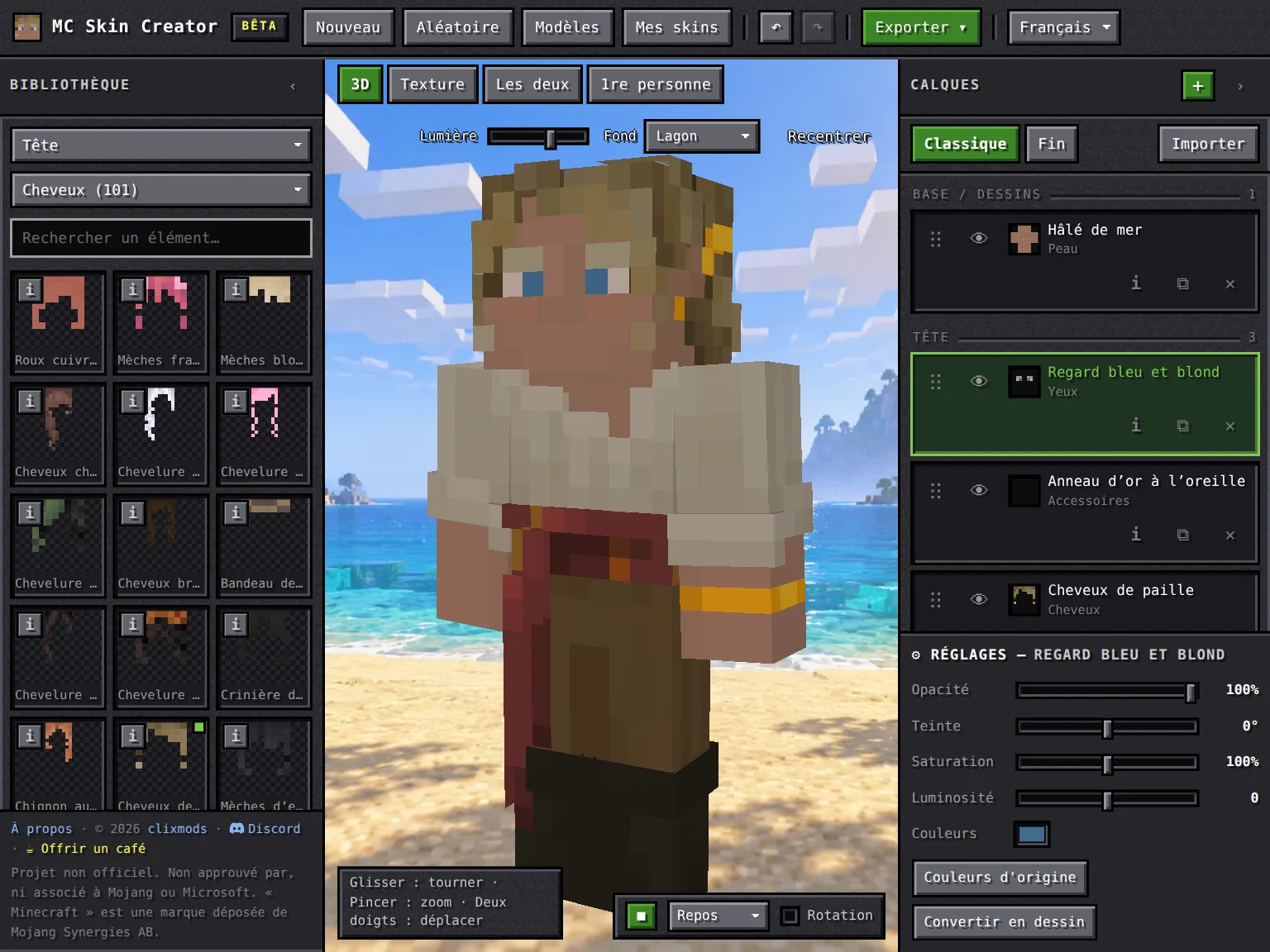
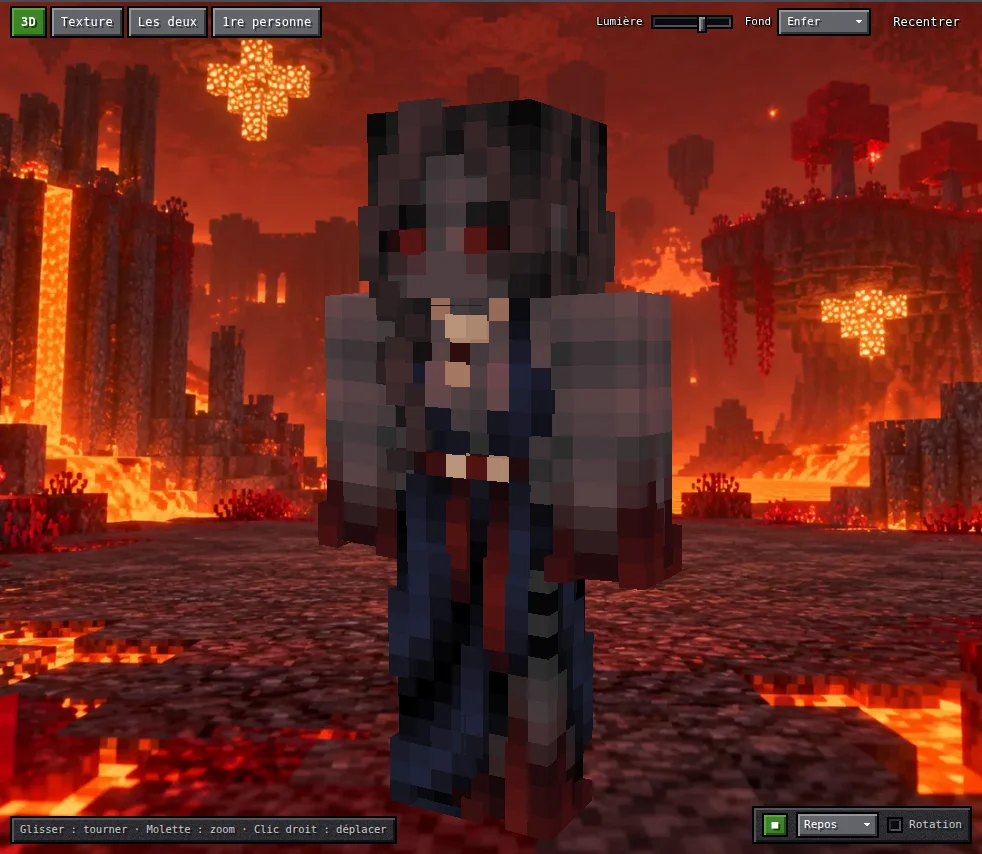
The editor: library on the left, 3D preview in the centre, layers and settings on the right (“Blood witch” model, nether background).
The product in a few numbers
- 500+ elements in the catalogue, 120+ starter models, 9 scenic backgrounds, 3 languages.
- A single jar bundling the back end, the front end and the rendering logic; Docker optional.
- About 300 ms from opening the page to a ready-to-use editor, thanks to compressed asset atlases.
- Tests at every level and automatic deployment on every merge (see below).
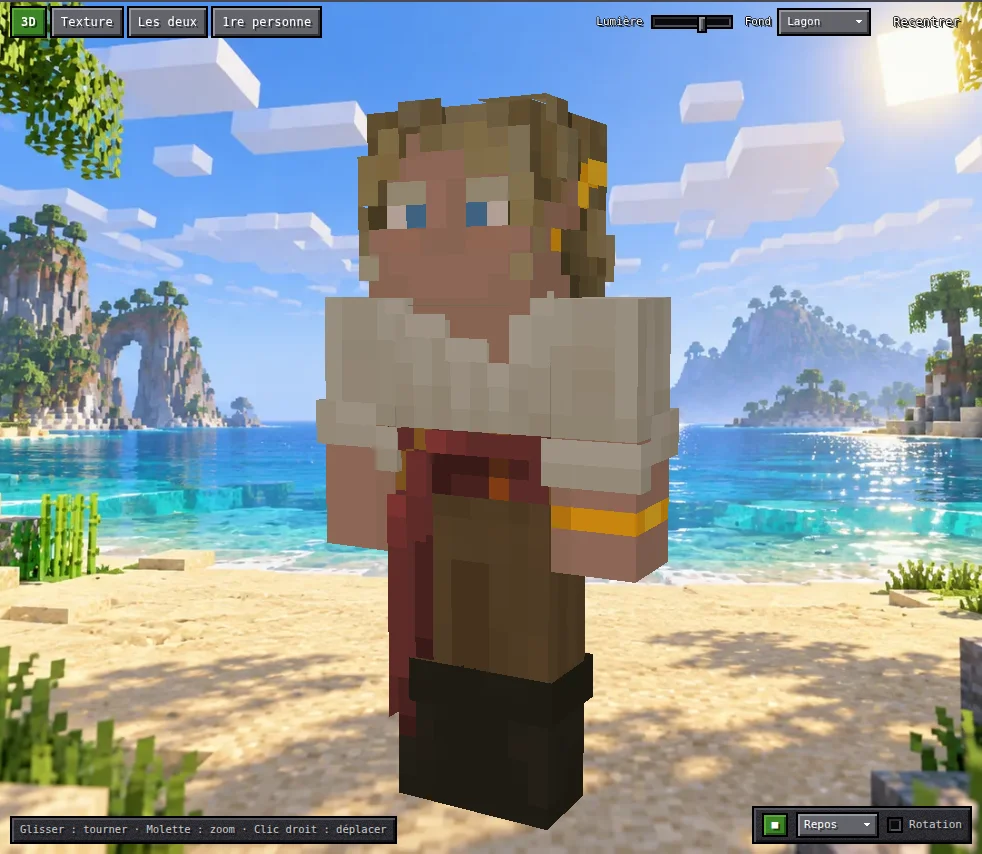
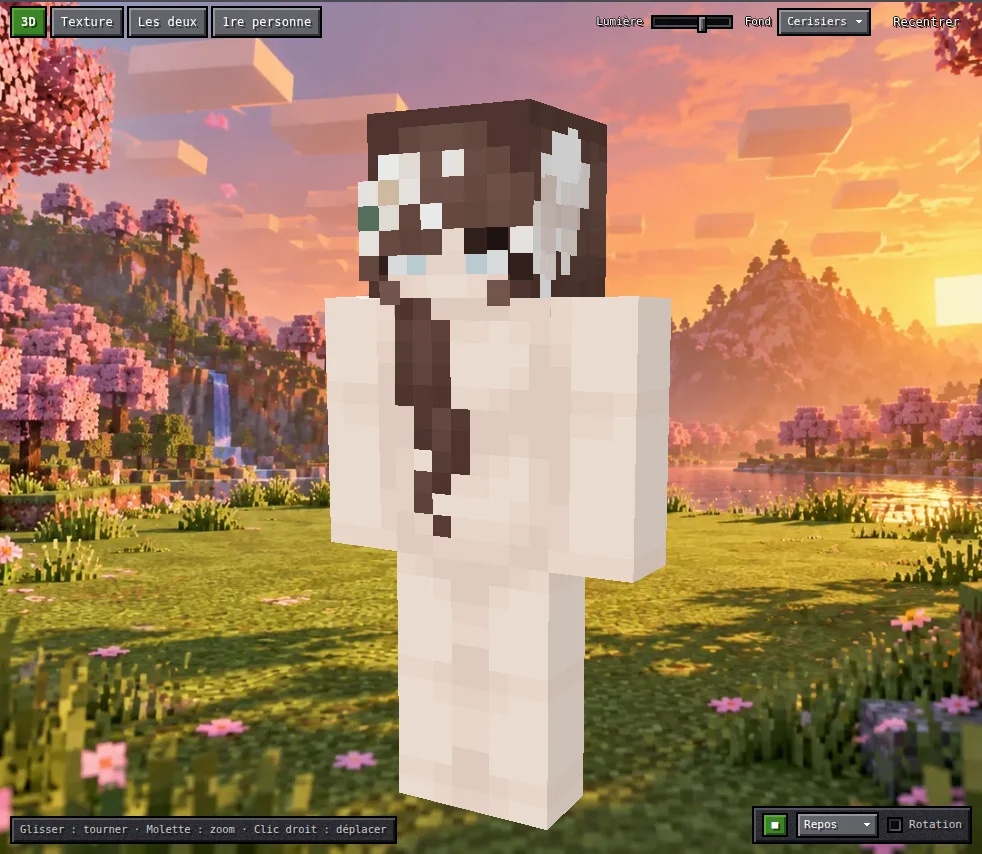
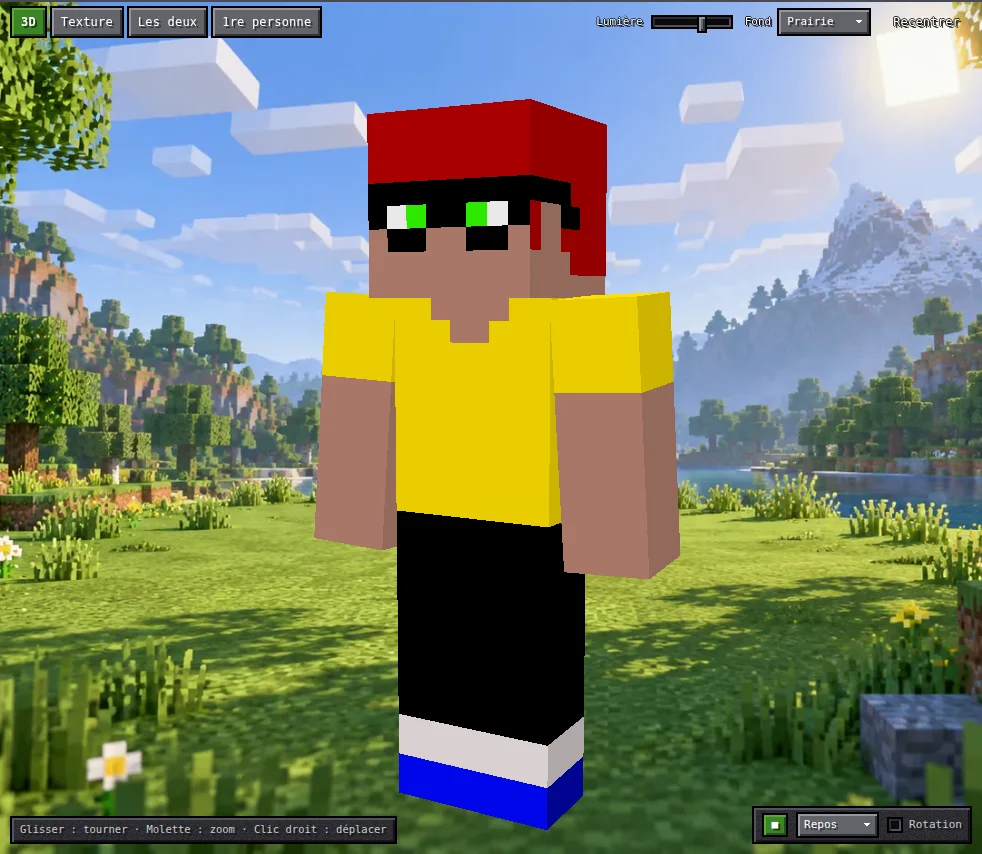
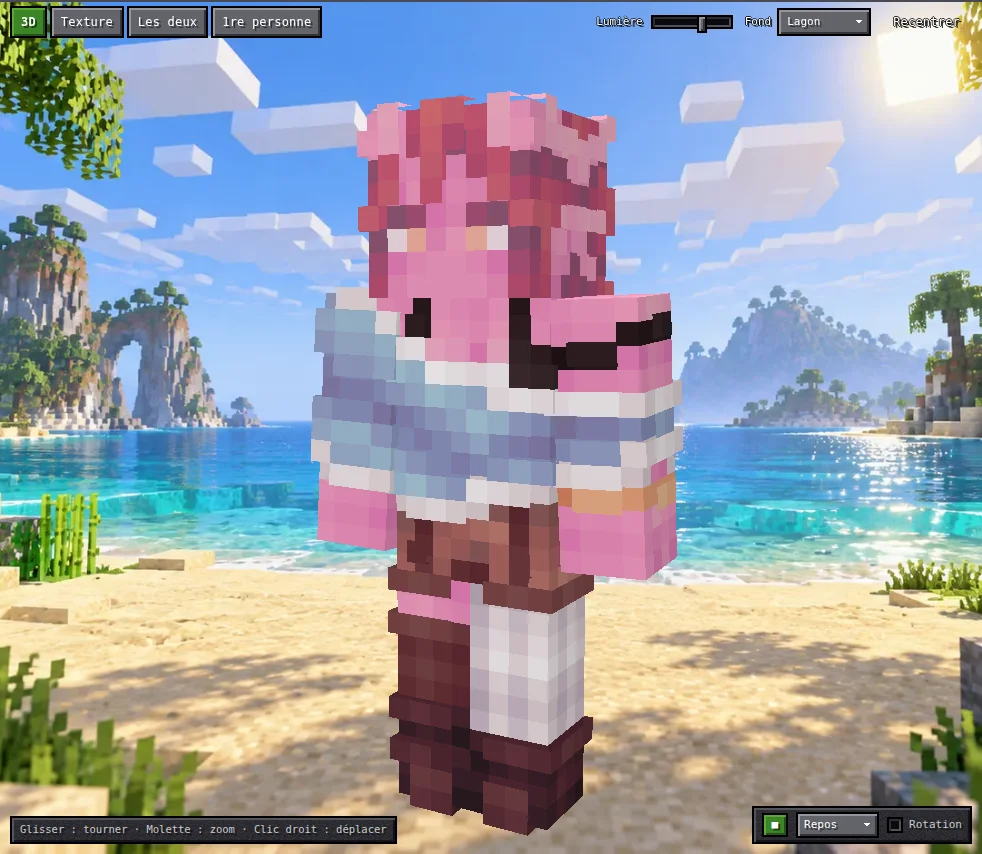
Golden pirate, lagoon background.
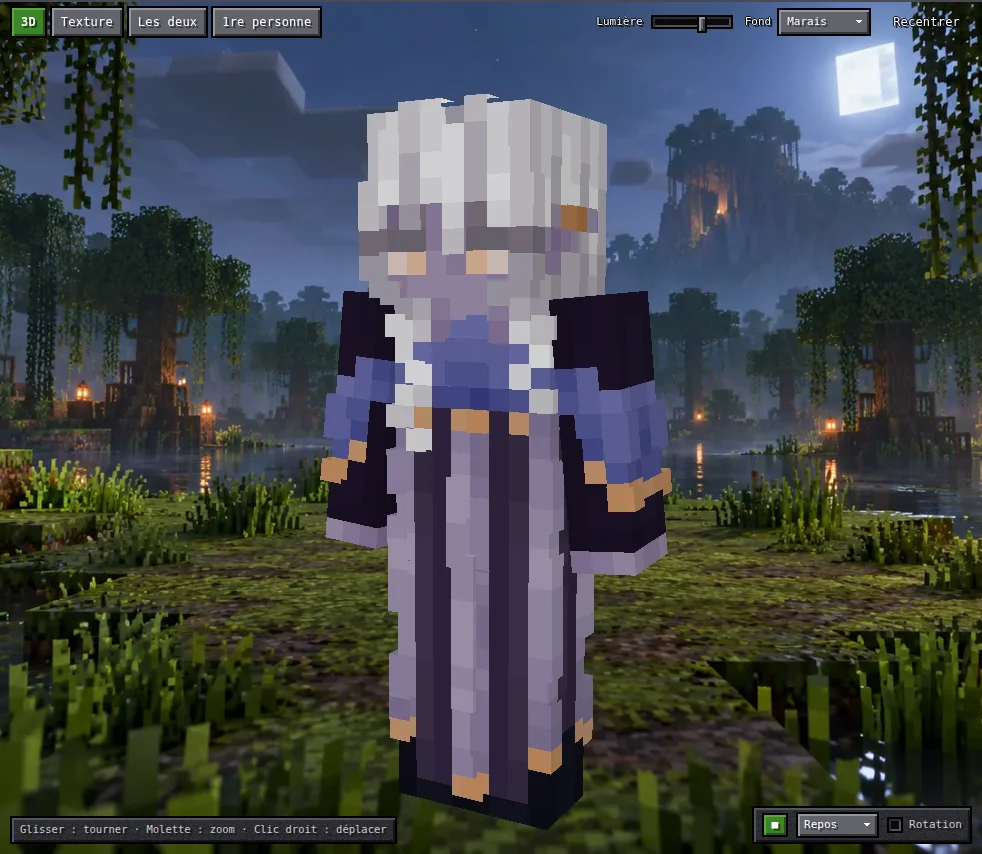
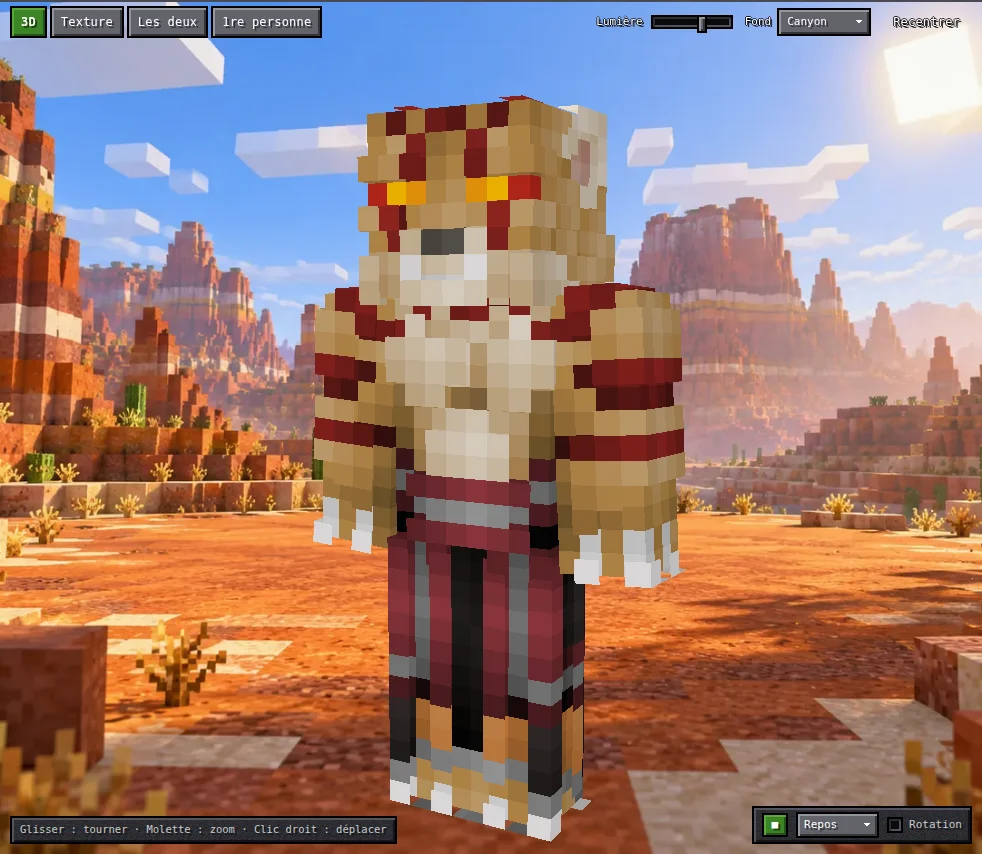
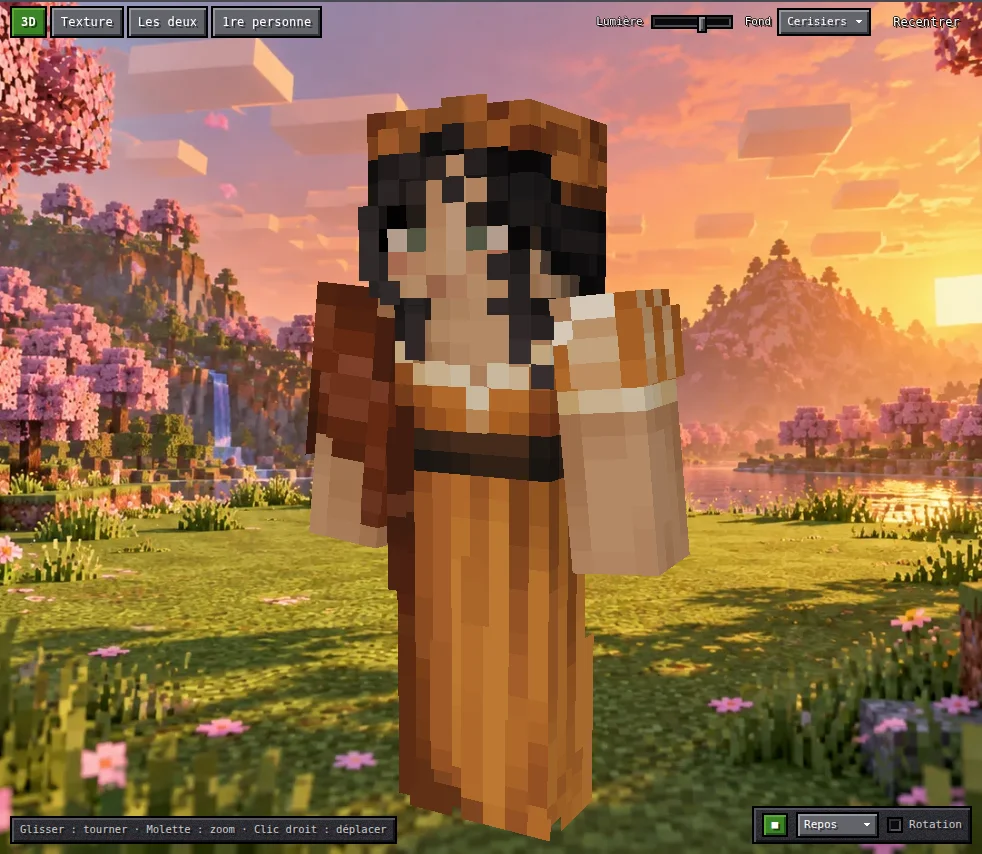
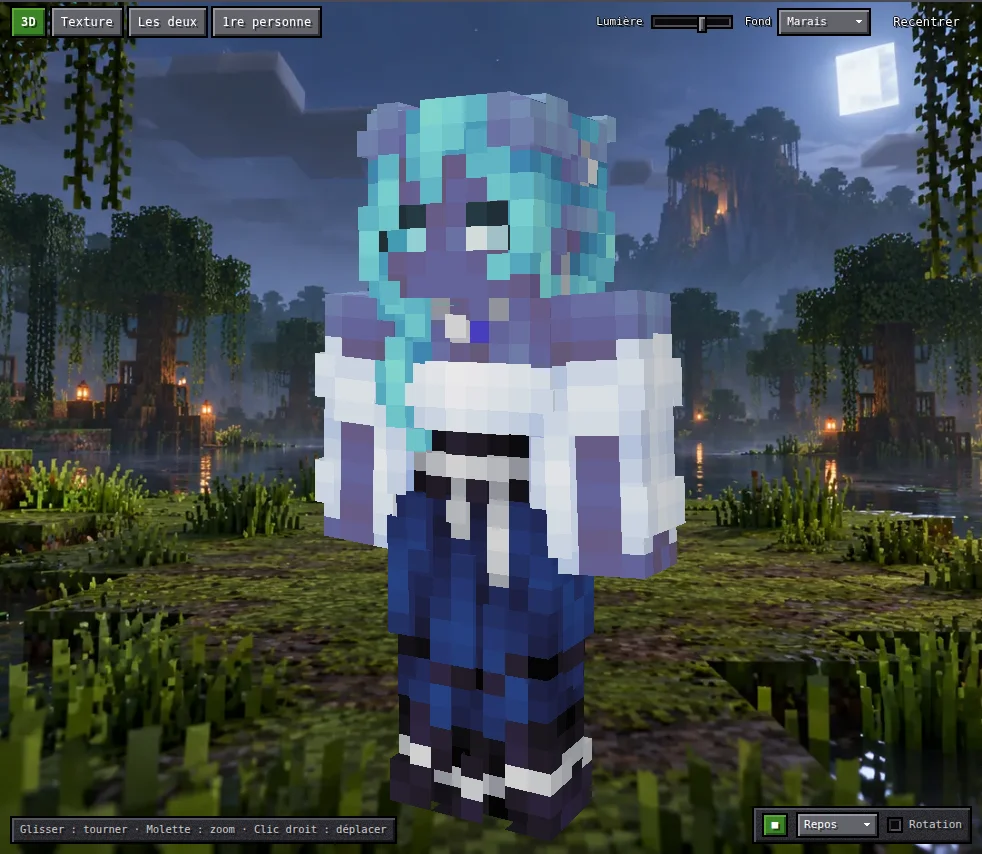
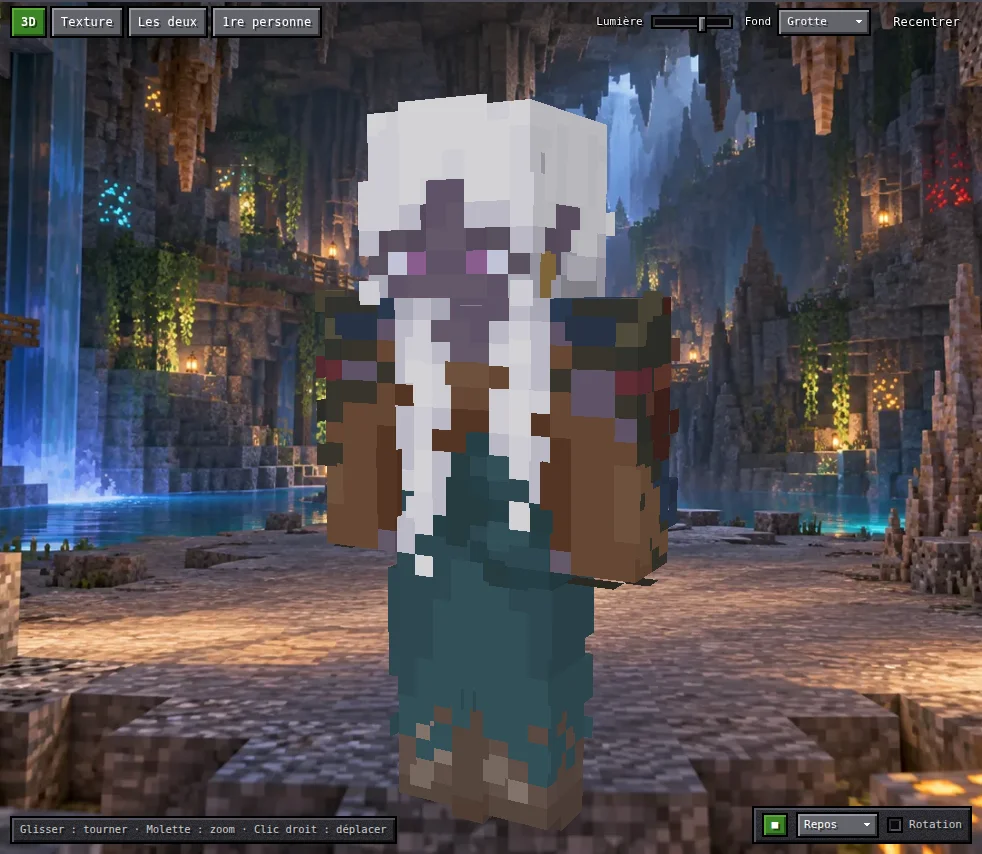
Night elf, swamp background.
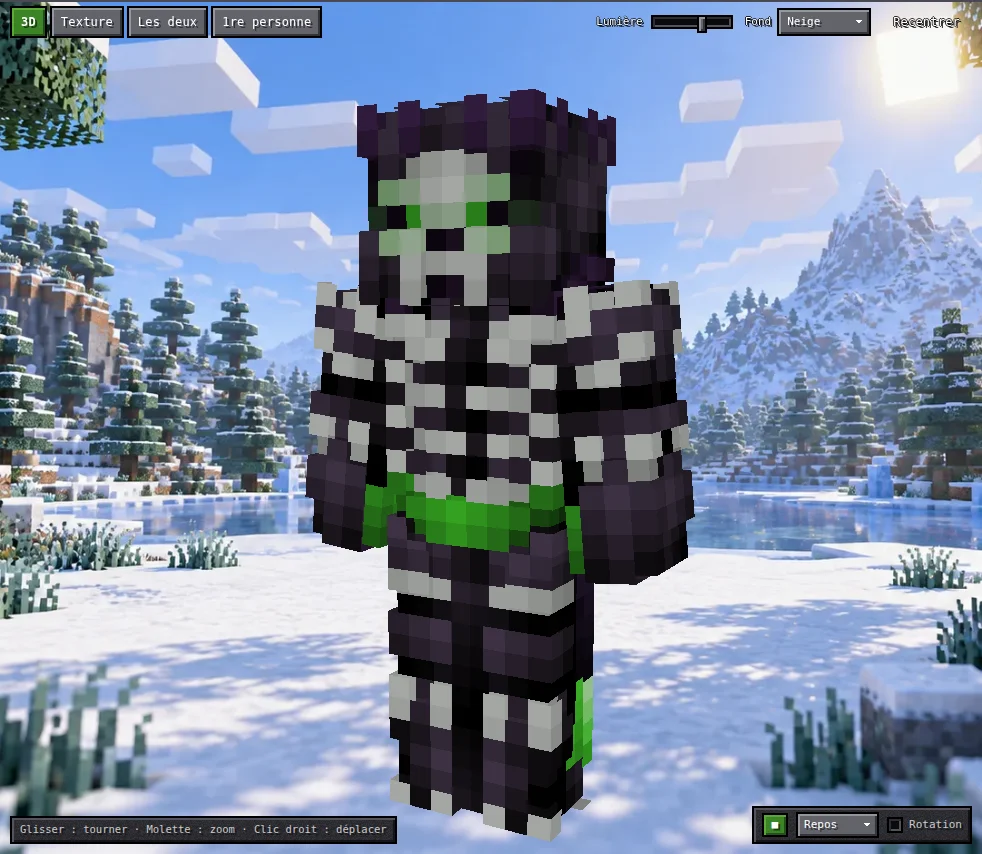
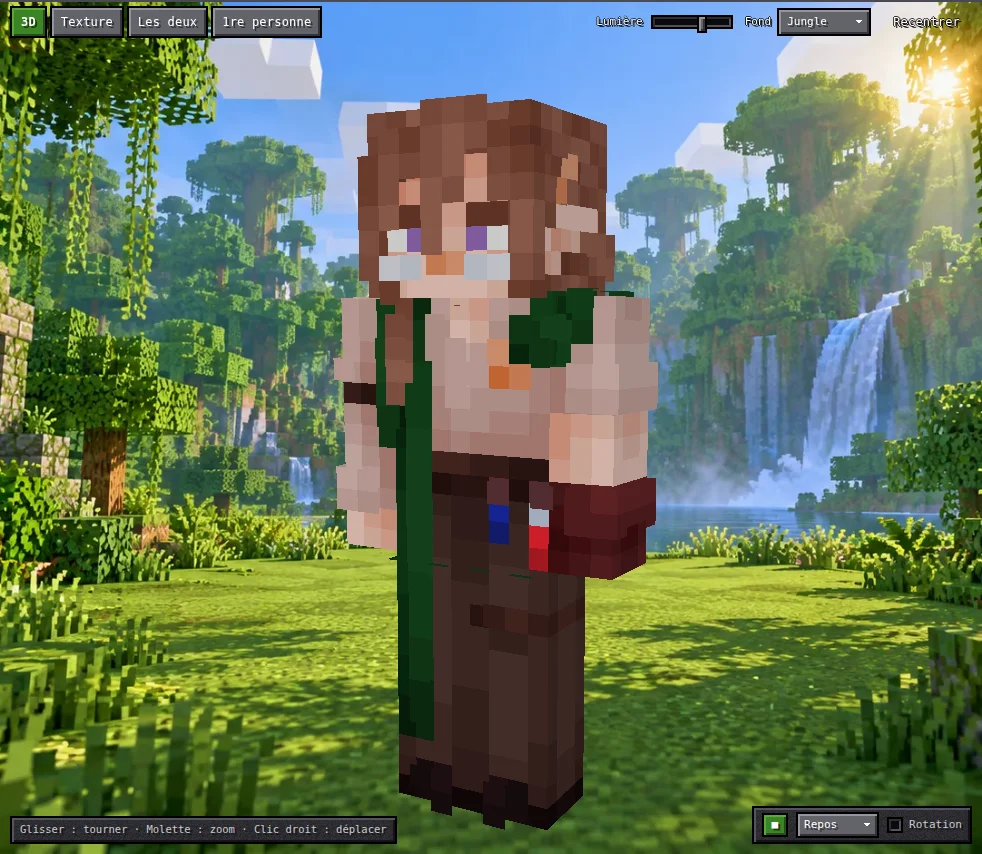
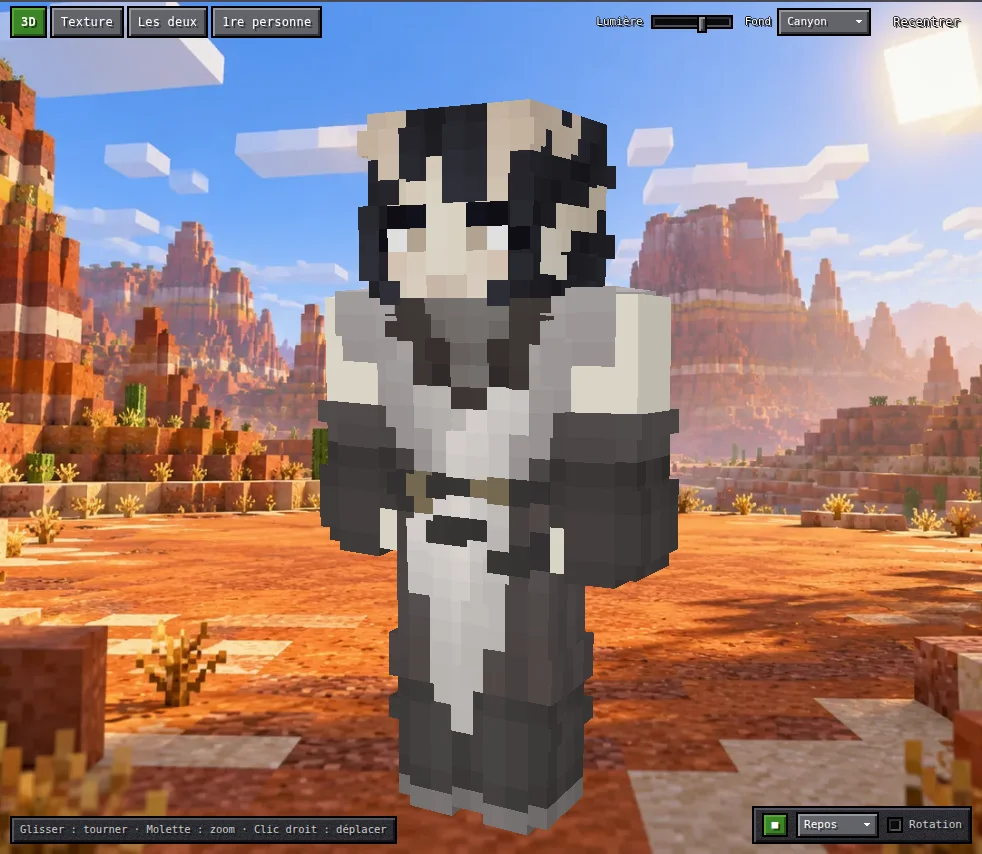
Skeleton knight, snow background.
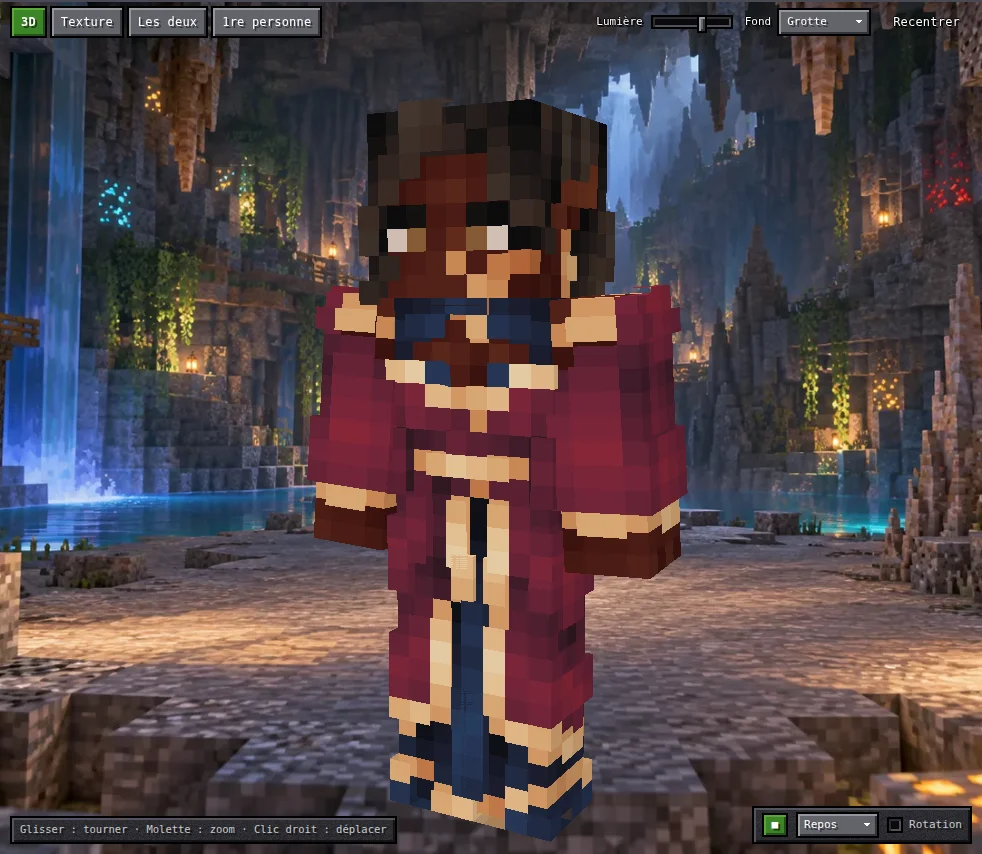
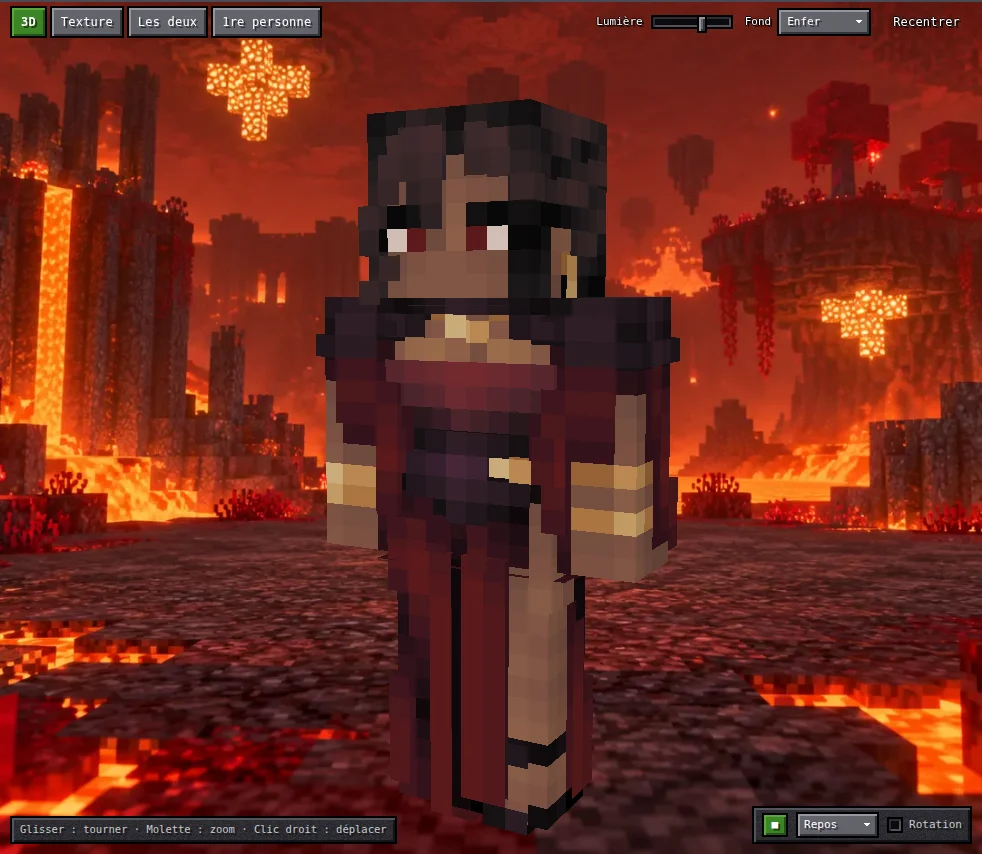
Crimson mage, cave background.
Back end — Java 21, Spring Boot 4
- Texture composition engine in Java: recolours each element zone by zone, applies hue / saturation / lightness adjustments, stacks the layers, then produces the 64×64 texture and its thumbnail, recomputed and stored on every save. The engine is published as a standalone library (
mcsc-engine, zero dependencies) so both the site and a Minecraft mod can use it. A test compares results byte for byte with the reference implementation across the whole catalogue (1,800+ cases). - REST API for skin storage (Spring MVC, Spring Data JPA, Flyway migrations, H2 database): auto-saved draft, named skins, texture and thumbnail served as PNG. Anonymous client identified by a UUID in a header, data model ready for an accounts table.
- Versioned public API (
/api/v1): a stable contract for third-party clients (the mod), with a documented breaking-change policy and a test that fails if a published field disappears or is renamed. - Validation and import: a malformed project is rejected with a 400 in problem details format (RFC 9457), listing every violation with its path (e.g.
layers[3].adj.hue). Import of 64×64, 64×32 (unfolded by symmetry) or HD (downscaled) PNG skins, every refusal carrying an error code the front end translates. - Abuse resistance: rate limiting per client and per address (429 with
Retry-After), request bodies capped and rejected before being read, per-client quota, validated identifiers. An audit showed me that a single 249 KB request could stop the JVM: the fix, and a test that runs every route through the same hostile inputs (no crafted input may ever cause a 5xx), came out of it. - Catalogue and fast loading: merges several asset sources with hot reload, paginated search in three languages, reproducible seeded random picks, credits and licence for every element. Over 1,000 PNGs are bundled into one compressed atlas per category, with a content hash in the URL for long-term caching.
- Profiles, security and SEO: two Spring profiles, including a public one that only serves elements whose licence allows publication (enforced by a test). A filter sets the security headers (strict CSP, no inline script) and cache rules; sitemap, robots.txt and Open Graph share image (1200×630) are generated server side.
Front end — Angular 21, TypeScript
- Full-featured editor: library organised by regions and categories, drag-and-drop layer stack, colour inspector, 2D pixel editor, undo / redo history.
- Custom WebGL 3D rendering, no 3D library: ten animations taken from the game, a first-person view fitted numerically against a capture of the game, painting directly on the 3D model (texel picking via off-screen rendering).
- Angular architecture: standalone components, signal-based state, zoneless change detection, animation loop running outside Angular. Abstracted storage layer: the same front end runs on the Java API or on localStorage.
- Exports and mobile: in-project animated GIF encoder (median-cut quantisation, LZW compression), mobile-friendly interface (drawers, touch gestures, two-finger pinch in the pixel editor).
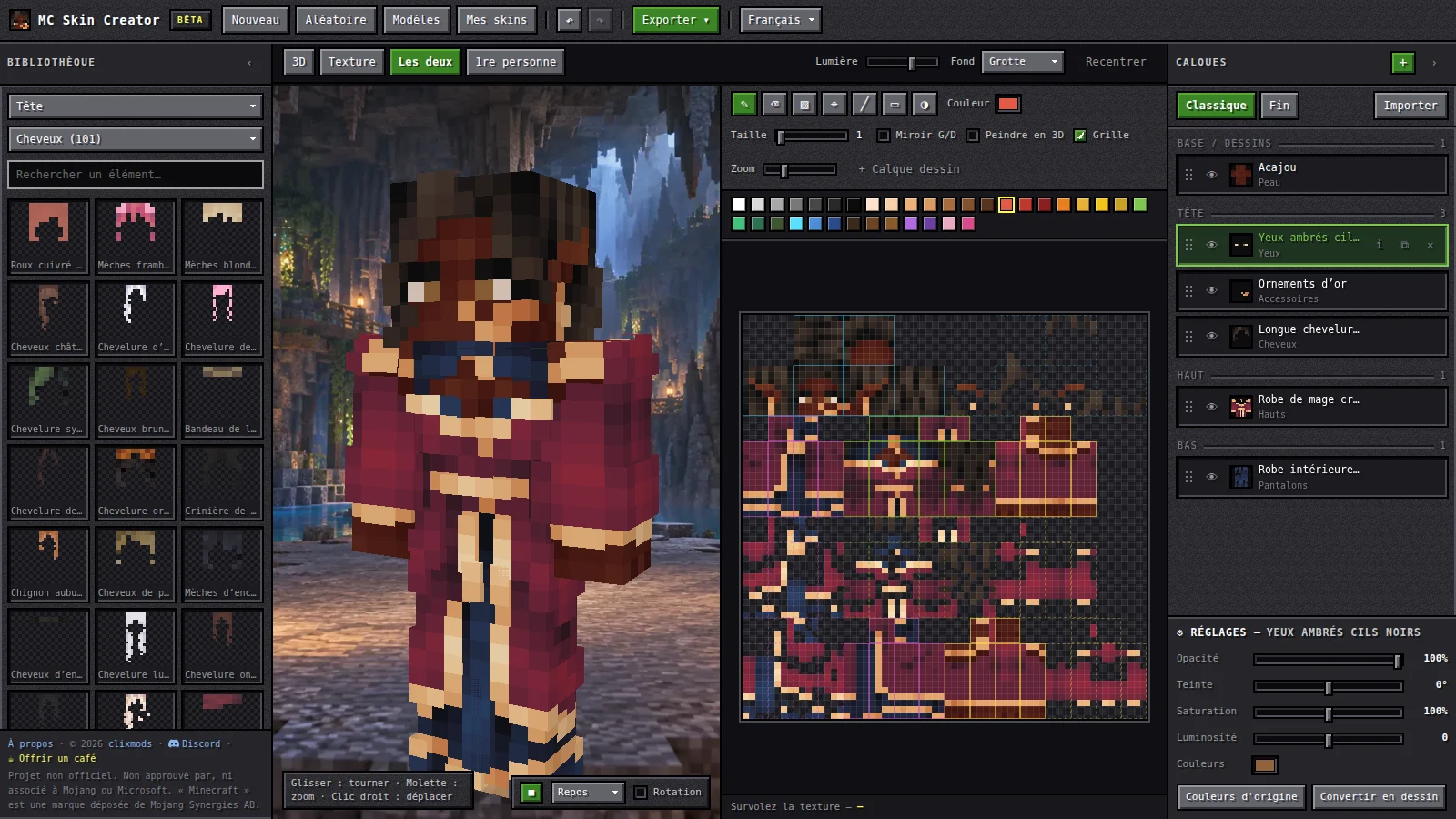
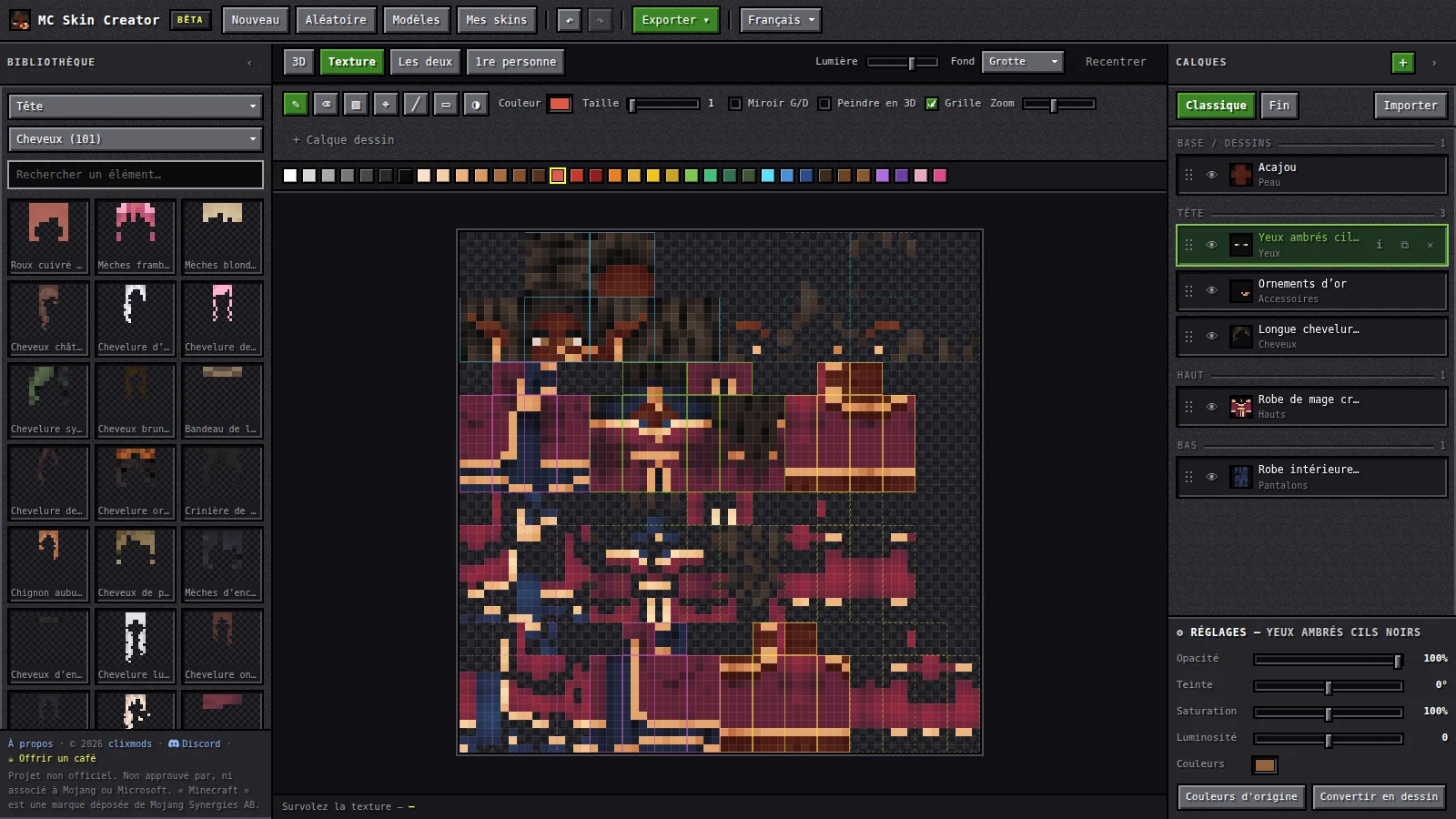
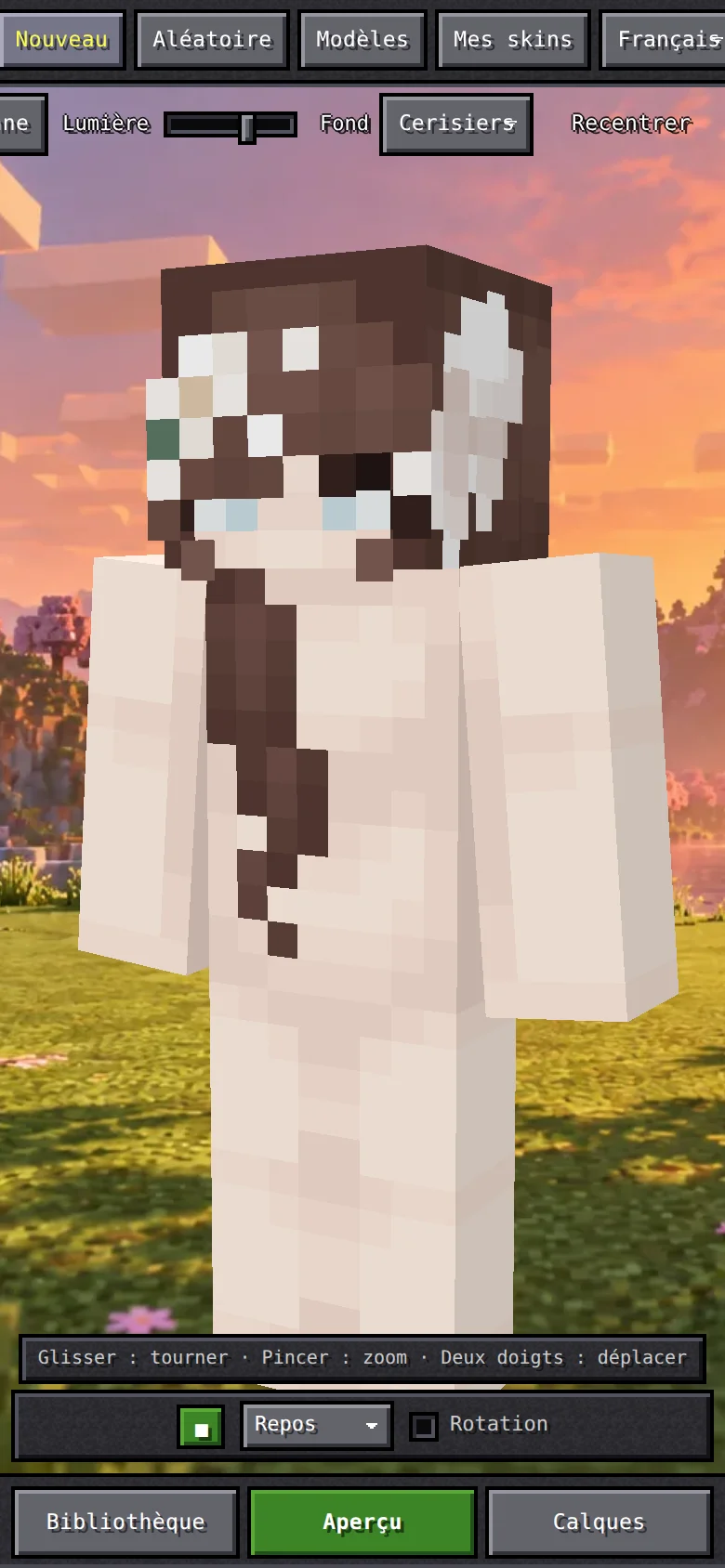
3D preview and texture side by side: whatever you paint shows up on the character right away.
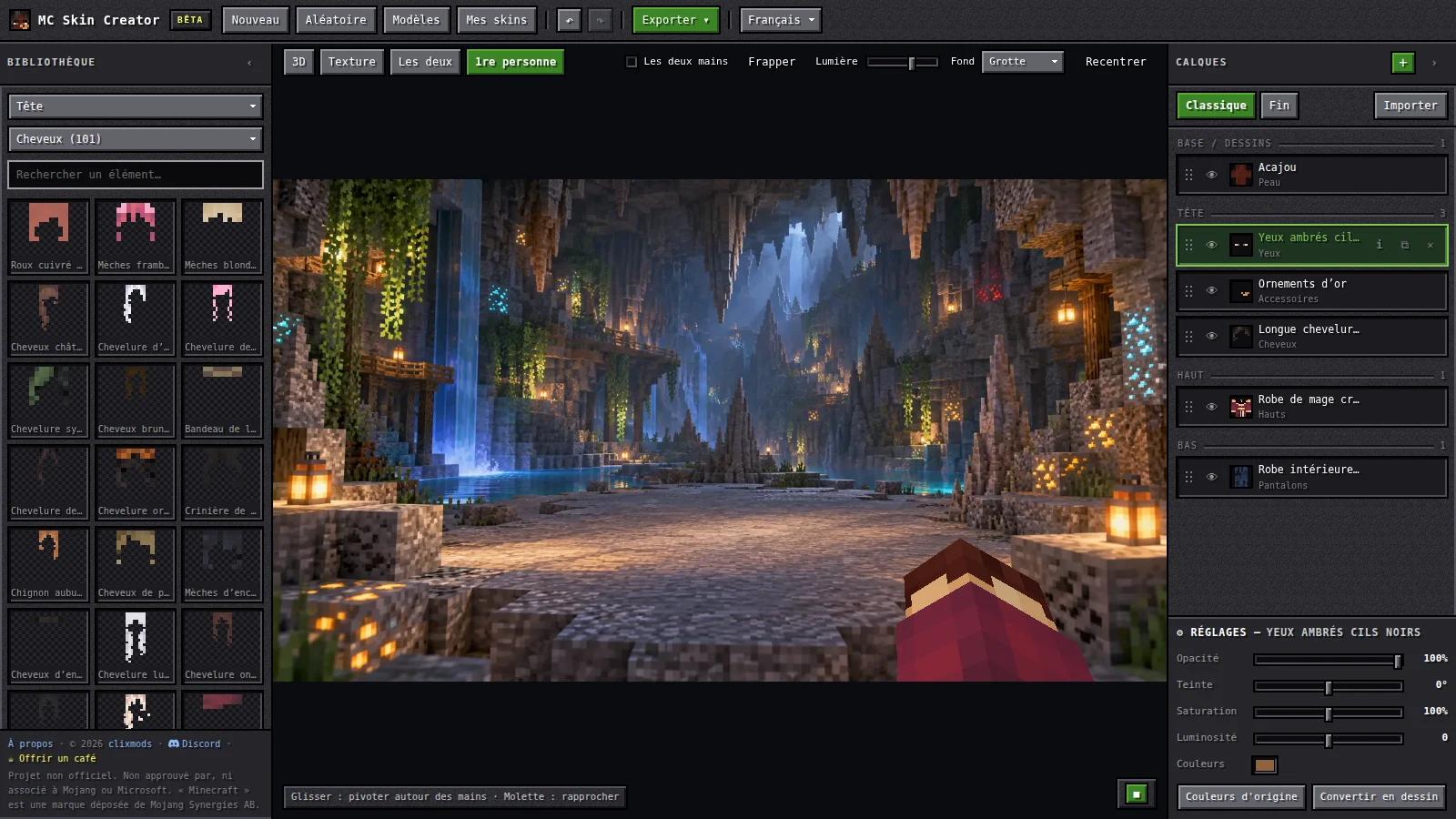
The first-person view, fitted numerically against a capture of the game.
The tools I built for myself
A project this size needs a lot more than the product itself: a logo, visuals, videos, a clean catalogue. Instead of leaving the project for each of these, I asked the AI to build the tools I needed, inside the project. They reuse the real catalogue and the real rendering engine, so what they produce is always faithful to the product.
/logo — the logo is made by the site
A page composes a skin head from catalogue elements, leaves half of it as graph paper, adds a 3D pencil and exports the whole thing as a PNG (256, 512 or 1024 px). Perspective or orthographic projection, grid drawn by the shader, supersampled rendering for clean edges. The logo you see on the site was not drawn in a graphics program: it was composed with the application itself.
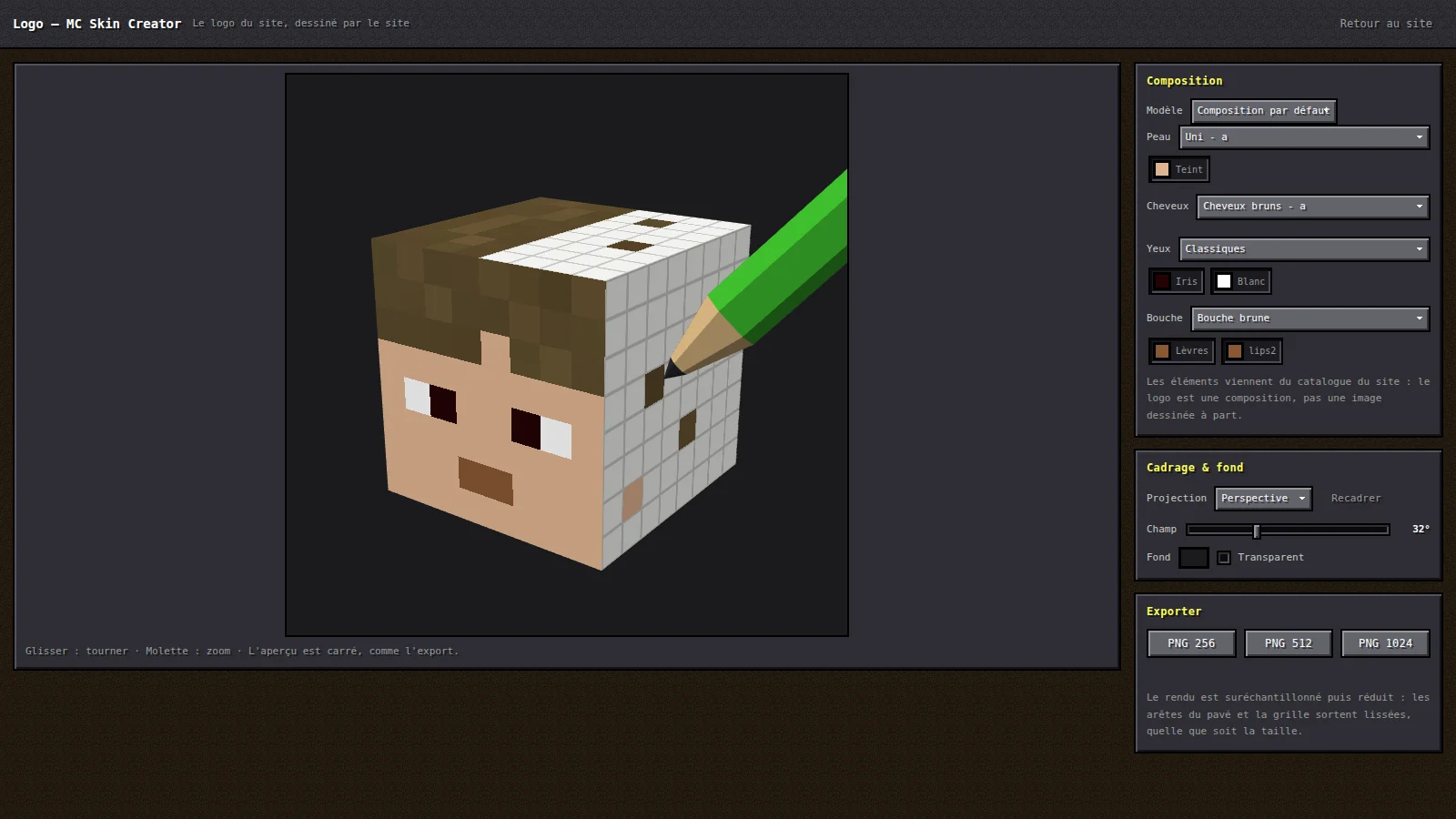
The /logo page: pick the skin, hair, eyes and mouth from the catalogue.
The result exported as a 1024 px PNG: this is the site’s logo.
/banniere — marketing in one click
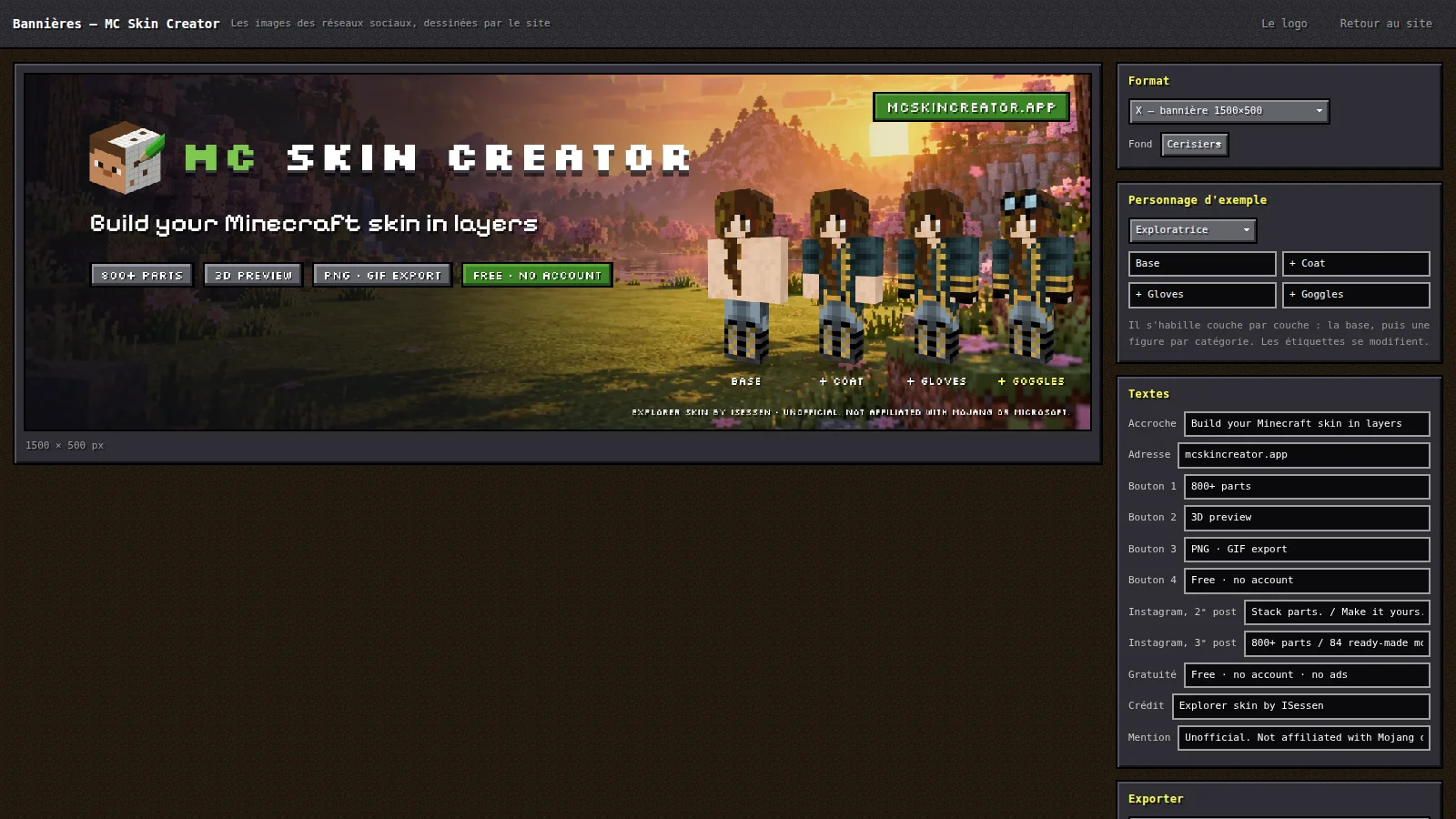
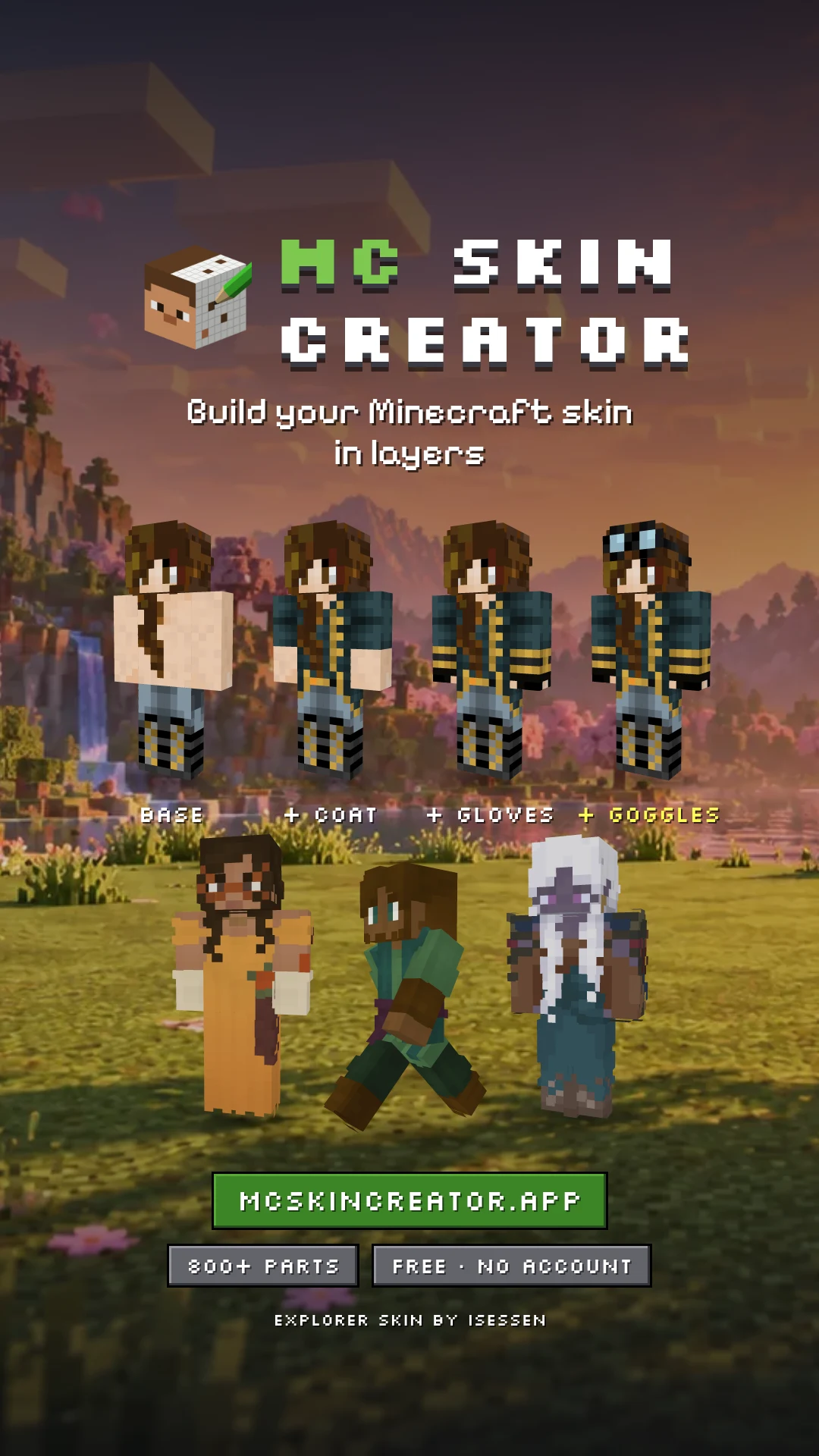
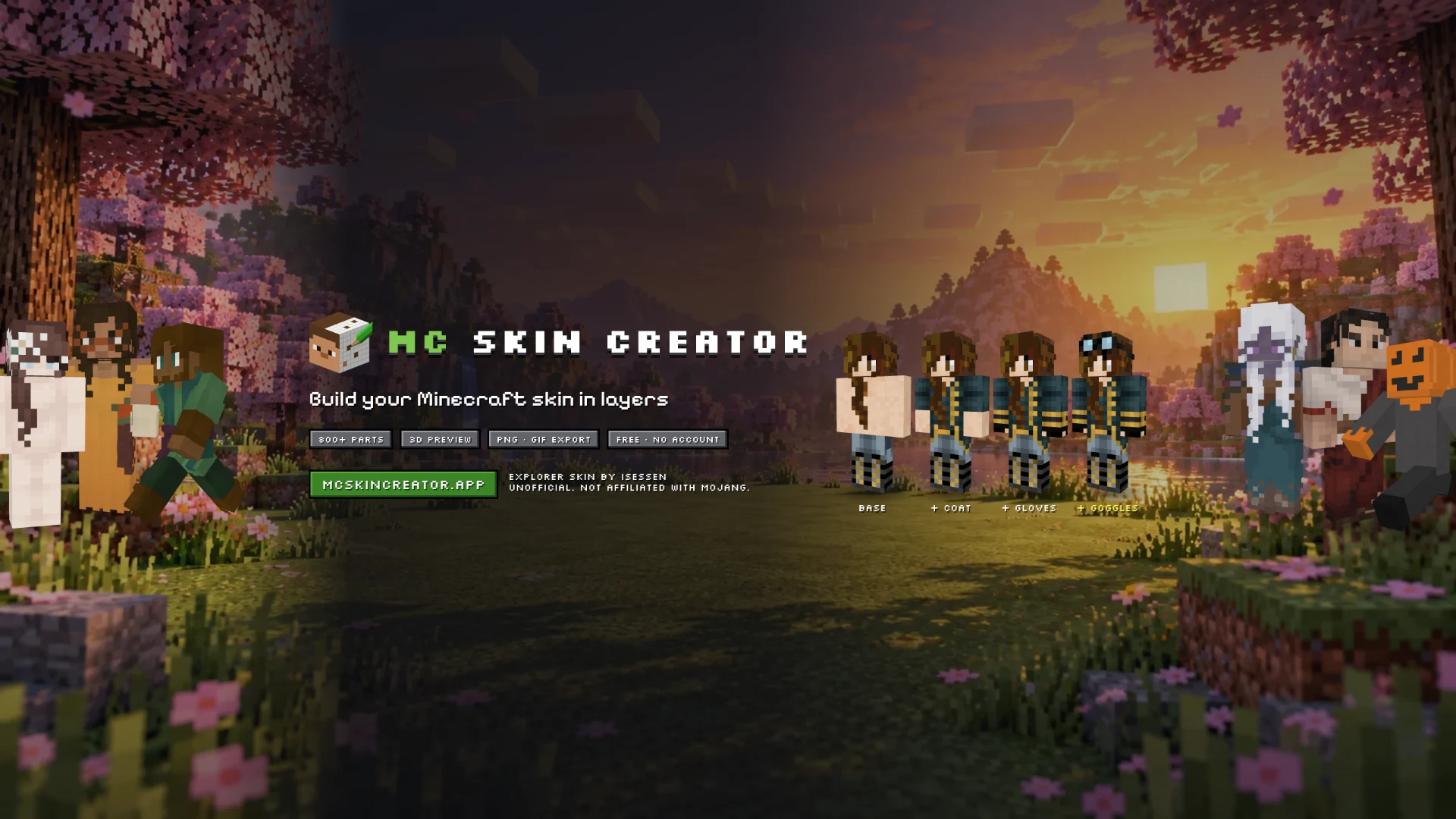
A page generates the visuals for every network: X banner (1500×500), three-post Instagram panorama, TikTok cover, YouTube banner (2560×1440) and profile picture. Each format knows its safe area (what the network crops) and a test checks that nothing essential falls outside it. An example character gets dressed layer by layer, and the scenery is drawn only from models that require no attribution.
X banner (1500×500), exported as-is: the character gets dressed layer by layer. YouTube banner (2560×1440), with its central safe area.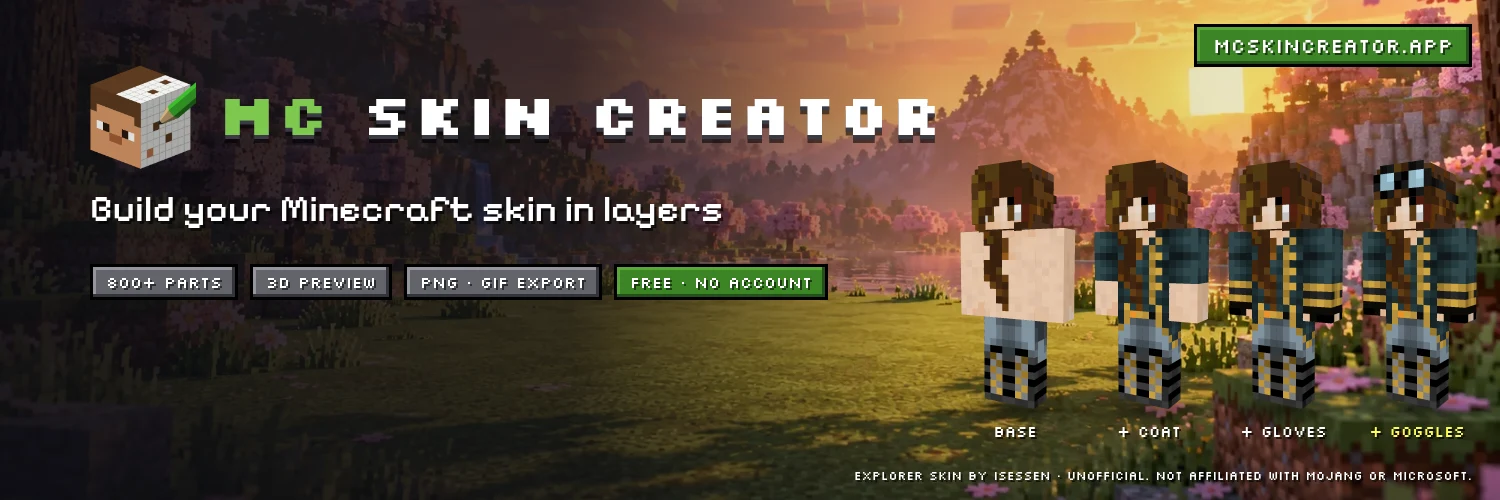
Profile picture (1080×1080): the logo’s pencil leaves the circle the networks crop.
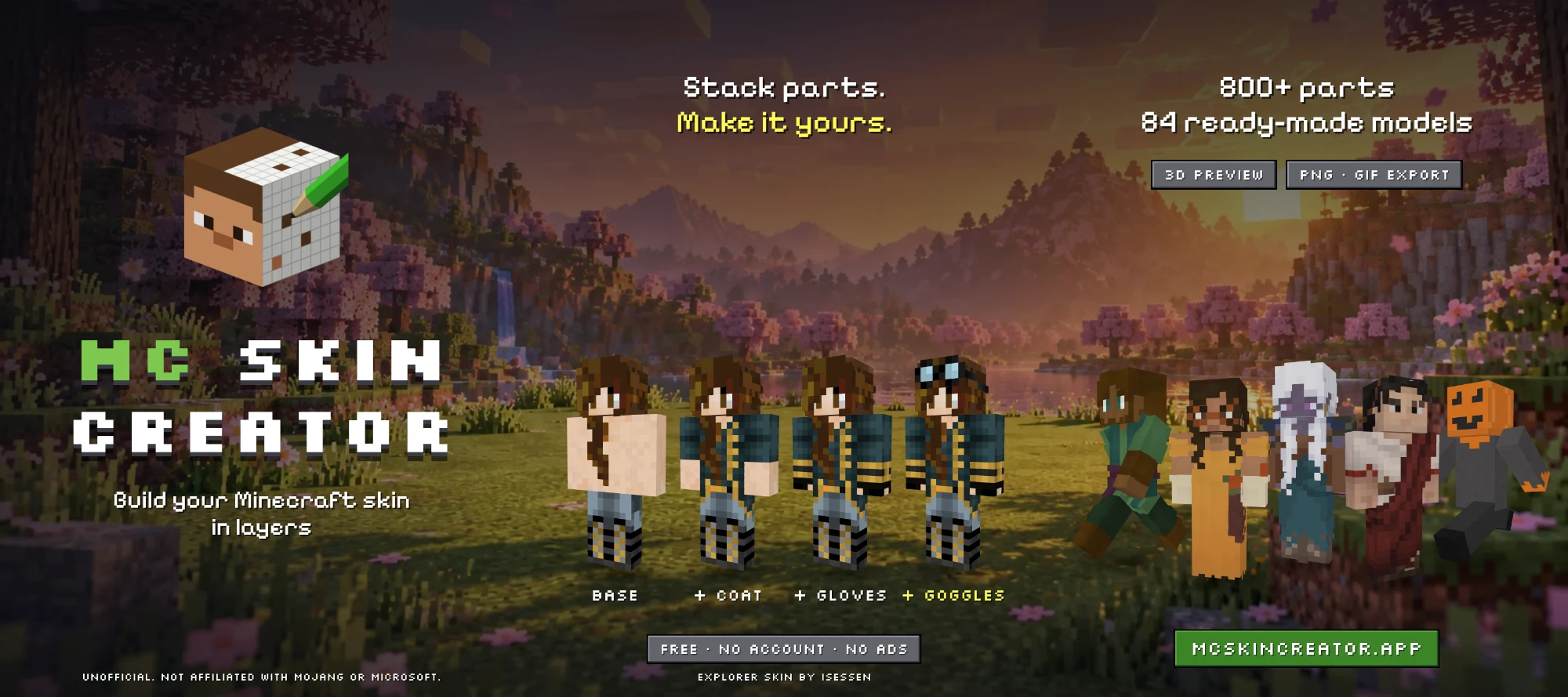
Three-post Instagram panorama (3240×1440), cut into tiles.
/video — announcement videos on the fly
Ten seconds of motion design set to music around a model or an outfit, in 9:16, 1:1 or 16:9, exported as MP4 with ready-to-copy captions for each network. Everything is computed in the browser: five shots cut to a 120 BPM tempo, music synthesised note by note (nine styles, no audio file, so no rights to pay), and an MP4 muxer and AAC encoder written for the occasion. An example of the result is in the Videos section below, published on the project’s YouTube channel.
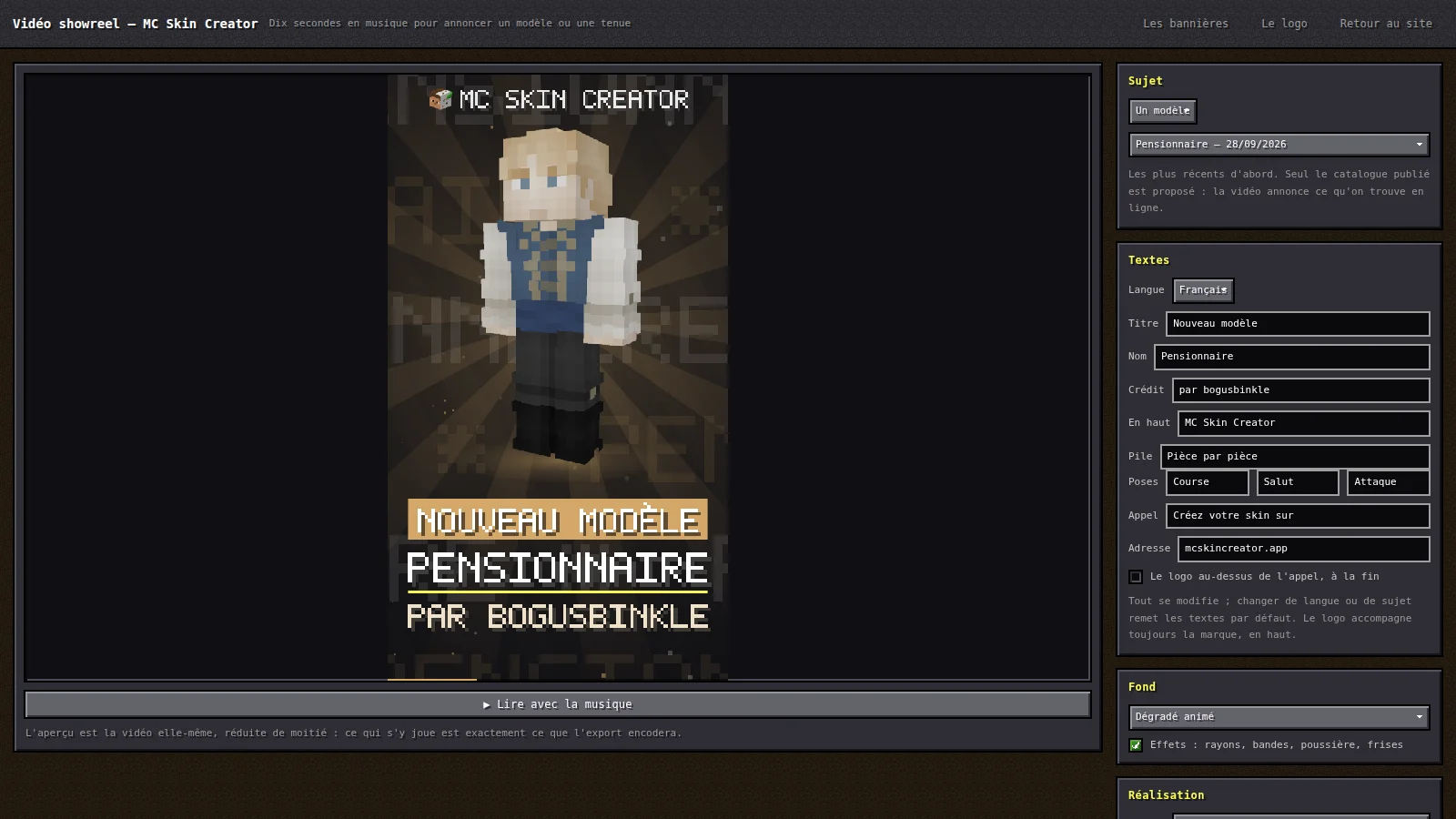
The /video page: subject, texts, background and music are set on the right, the preview plays the video itself.
And also
- The skin-slicing workshop. The starter models come from existing skins automatically sliced into catalogue elements, with a pixel-exact check that the layer stack gives back the original texture. Dedicated tools detect the regions, propose a slicing draft, render control sheets from four angles and try each garment on other skins.
- The
/doublonspage. Two different skins often carry the same four-texel eye: this tool groups elements that reduce to one another by a simple recolour, spins each family in 3D for judging, and writes the merge instructions. - An admin console (Java / Angular) driving these tools from a UI, and an import queue with a licence record for every skin spotted.
How I built this project with AI
This is the part I care about as much as the product. With an assistant like Claude Code, the bottleneck is no longer writing code, but deciding what to build and checking that it is right. In practice:
- I frame and I decide. Art direction, architecture choices (a single jar, a shared engine, a public profile), ground rules (licences, names, limits): I set them and record them in an instructions file in the repository that the AI re-reads every session. That file has become real architecture documentation, including the pitfalls already paid for.
- The AI implements, in small verifiable steps. One branch per task, short commits and, above all, tests written at the same time: confidence comes from the tests, not from “it looks like it works”.
- I review and eyeball what cannot be computed. Rendering, how right an animation feels, how legible a thumbnail is: the AI built tools (control sheets, try-on, before/after screen comparisons) so I can see the result rather than assume it.
- Every defect found becomes a rule or a test. A shipped bug is documented with its cause, then locked down by a test that must never fail for that reason again. The project learns from its mistakes.
- The AI also builds its own tools. Logo, banners, videos, skin slicing, duplicate detection, admin console: every time a repetitive task appeared, it became a tool.
What this changes in practice: a product’s marketing can take minutes instead of days. Banners for every network, the TikTok cover, an announcement video with its music and captions: you get them with one click because the tool exists, and you can regenerate them for every new model added to the catalogue. Every image on this page is proof.
CI/CD — from merge to production
Deployment is fully automated with GitHub Actions (deploiement.yml): merging into main means going live, about fifteen minutes later.
- Git flow: two long-lived branches,
develop(integration) andmain(release). Each task lives on afeature/…orfix/…branch merged with a merge commit intodevelop; nothing is ever committed directly tomain. - Three jobs run on every push and pull request: the workshop (syntax check of all the JavaScript, about a hundred tests, asset regeneration and a check that it changes nothing), the site (full Maven build of front and back end, JUnit tests, Vitest tests, Playwright tests against the jar actually running) and, on
mainonly and only if the first two pass, the release. - The verified jar is the one that ships: the release job fetches the artefact that was built and tested, without rebuilding it, and sends it over SSH to an OVH VPS (Gravelines).
- A server behind Cloudflare, with no web port open: the VPS only accepts SSH; visitors arrive through a Cloudflare tunnel opened from the server (no certificate to renew, the server’s address absent from DNS). The site runs as a dedicated systemd service under an unprivileged system account.
- A defensive deployment: the key stored in GitHub secrets can do exactly one thing, publish a release (
restrict,command=…: no shell, no port forwarding). The server validates the archive (no symlinks), switches thecurrentlink, restarts the service and waits for the API to answer; otherwise it rolls back to the previous version by itself. Three releases are kept and the server’s host key is pinned in the workflow. - Operations: H2 database backed up every night (14 backups kept, plus the host’s daily disk copy), security headers and cache rules set by the server, two-level rate limiting (application and Cloudflare), and a multi-stage Docker image to run the site without installing Java or Node.
- Controlled internal dependency: the
mcsc-enginelibrary is published on GitHub Packages with a pinned version (never aSNAPSHOT), because the engine decides the bytes of an already-saved skin; the CI gets read access through thepackages: readpermission.
Quality — tests at every level
No test replaces the others: each level checks what the others cannot see.
- JUnit (back end): API and storage on an in-memory H2 database, project validation, the public profile’s publication rule, the
/api/v1API contract, rate limiting with an injected clock, and an abuse-resistance test that discovers the routes by itself and submits every one to the same hostile inputs (oversized body, PNG bomb, 10,000-level JSON, malformed identifiers): it found two 500 errors on its very first run. - Parity tests: the texture engine exists in three versions (reference JavaScript, TypeScript for the browser, Java for the server). Two tests compare them byte for byte on the real catalogue (1,800+ textures and 366 model fingerprints), which is what lets me say they are one.
- Vitest (front end): TypeScript engine, animations (no arm ever goes through the head at any point of the cycle), GIF, MP4 and AAC encoders (checked by a decoder written for the tests, MP4 box structure verified), translation dictionaries, SEO.
- Playwright (end to end): 42 tests against the running jar — draft surviving a reload, isolation of two clients, drag-and-drop of a layer, drawing on the texture, import, export, serialisation that loses no property.
- Workshop tests: about a hundred dependency-free tests on the catalogue itself — UV areas that never overlap, unique names in all three languages, maximum label length, credits present for every element, no colour key without effect.
- End-to-end data checks: every starter model is recomposed from the published files and compared pixel for pixel with its original texture.
Unofficial project. Not approved by or associated with Mojang or Microsoft. “Minecraft” is a trademark of Mojang Synergies AB.