MC Skin Creator (mod)
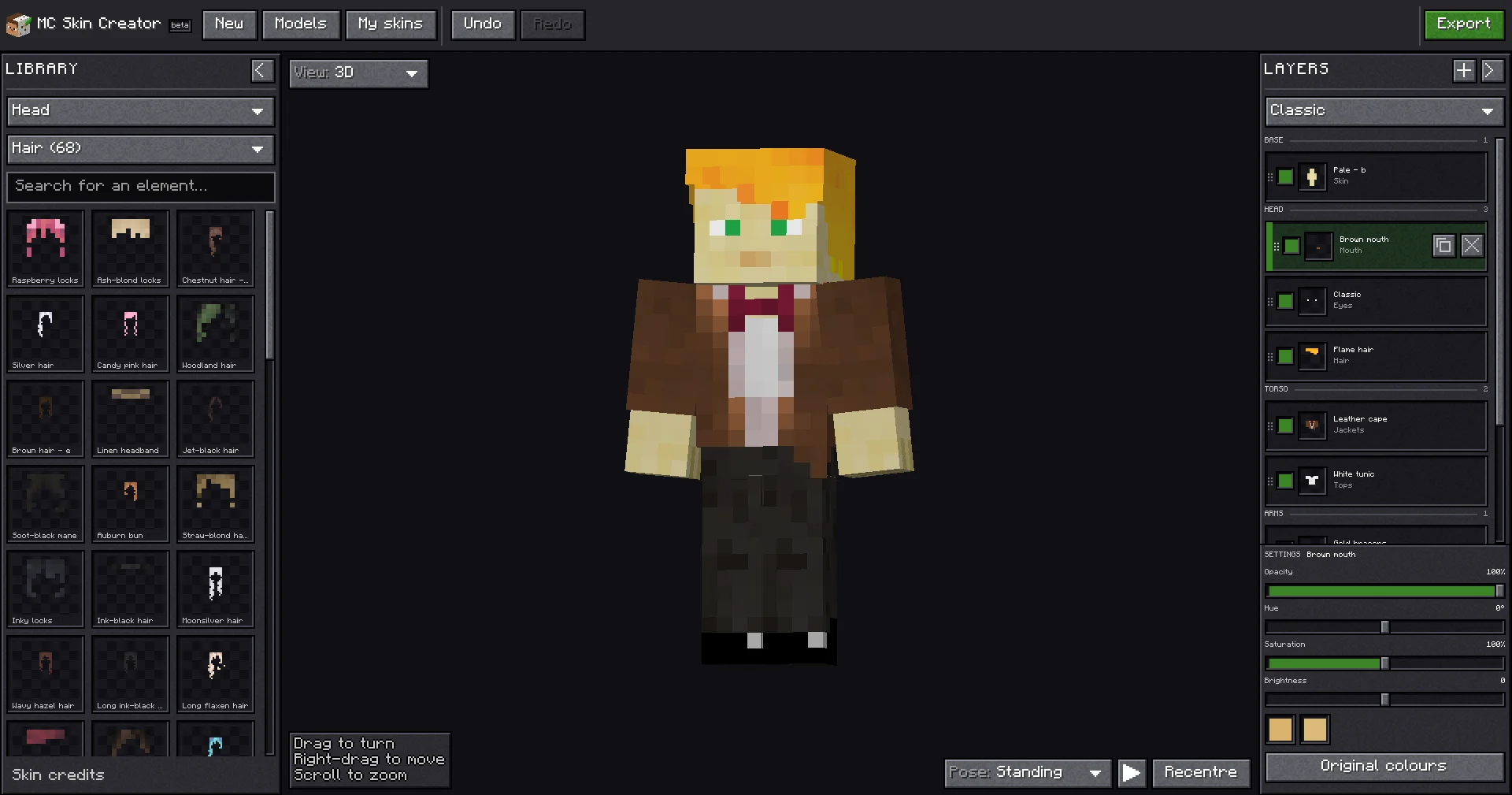
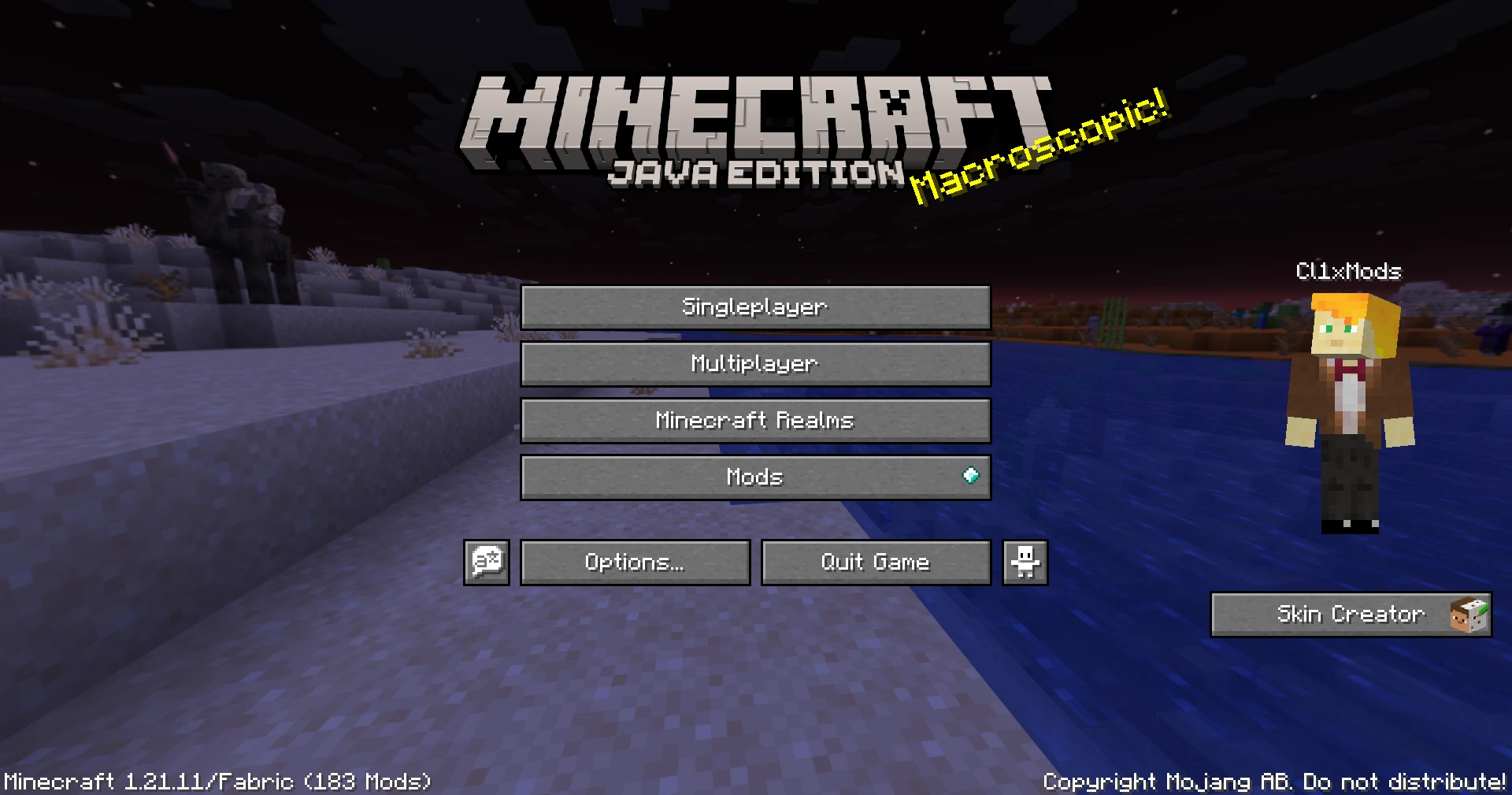
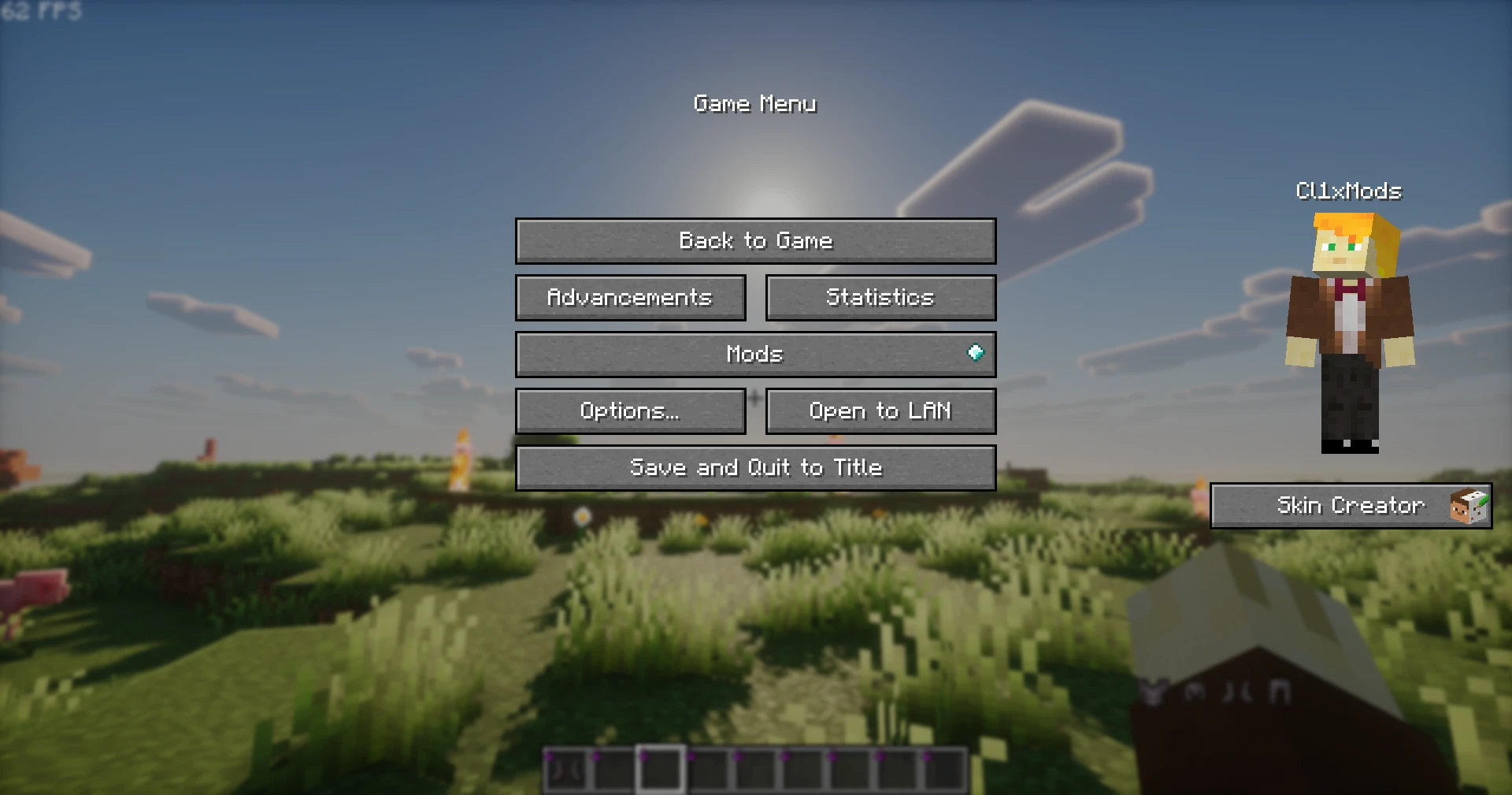
The MC Skin Creator mod brings the skin editor of mcskincreator.app straight into Minecraft. A button on the title screen and the pause menu opens the editor: pick pieces (hair, faces, clothes, accessories…), stack them as layers, see the result on your character, then apply it to your Minecraft account in one click, no restart. Client-side Fabric mod for Minecraft 1.21.11 and 26.2; personal project, source-available, built with AI and shipped through a full CI/CD pipeline. It is the in-game version of the MC Skin Creator website.
How it works
The website and the mod share the same back end. The mod ships no assets: the whole piece catalogue comes from the website’s API (Java / Spring Boot), the same one that feeds the web editor. A skin composed in the game is made of the same elements, with the same credits and translated names, and a new element added to the catalogue shows up in the game without a mod update.
- A frozen API for installed clients. The back end exposes two prefixes:
/api/…, tied to the site’s own front end and free to change, and/api/v1/…, a frozen contract where routes and fields are added but never removed. The mod only calls/api/v1, and only read routes (catalogue, atlases, search, element provenance, front render): a player can be ten versions behind and the mod keeps working. - Sheets instead of thousands of images. The catalogue is served per category as sprite sheets; the mod cuts the library thumbnails out of them instead of making one request per piece. The two hundred ready-made models and outfits are composed the same way locally, without asking the server for two hundred renders.
- A shared composition engine, not a copy. Turning a layer stack into a 64×64 texture already existed in three versions (JavaScript reference, browser TypeScript, server Java), kept in sync by byte-for-byte tests. Rather than write a fourth, I extracted that calculation from the site into a dependency-free Java library,
mcsc-engine, bundled in the mod jar. Parity is no longer a test: it is the same bytecode, so the skin in the game is the skin on the site. - Composition in the game, not over HTTP. A network round trip per change was fine for a burst of clicks, not for a slider being dragged. The mod composes locally in a fraction of a frame and the preview follows the stack live; the API is only asked for data.
- A project format identical to the server’s. The layer stack is written in the format the back end validates (one class writes and reads it, with a test per rule), so two representations never drift apart. Saved skins are plain files in the game’s config folder; the mod stores nothing on the server and does not identify the installation.
- Always a project in progress. Closing and reopening the editor restores the stack exactly. On first opening, the account’s skin is compared with the catalogue’s models to start from the matching one; if the account’s skin changes elsewhere, the current project is kept in the library and a new one starts.
Applying the skin. The skin is sent to Mojang (classic or slim arms) from a single class, to a single endpoint, on a click and never automatically: the session token is neither logged nor written to disk, and only that package can reach it. Since the client’s profile is not refreshed until a reconnect, the mod makes the player wear the uploaded skin as soon as the upload succeeds, so they see it right away instead of assuming it failed.
Technical challenges on the Minecraft side
- One source tree, two generations of the game. Stonecutter compiles the same sources for 1.21.11 (Java 21) and 26.2 (Java 25, official Mojang mappings): 26.x replaced immediate-mode GUI drawing with a render-state extraction pass. All drawing goes through one object (
Canvas), the only UI file that knows a game version, and differences stay small versioned branches, never a runtime version check. - A UI built from the game’s own sprites. The editor takes the website’s layout but paints with Minecraft’s buttons, slots and fonts: a resource pack that restyles the game restyles the editor too. Because the UI never touches the Minecraft client directly, it can be rendered to an image in tests, with the real font extracted from the jar, without launching the game.
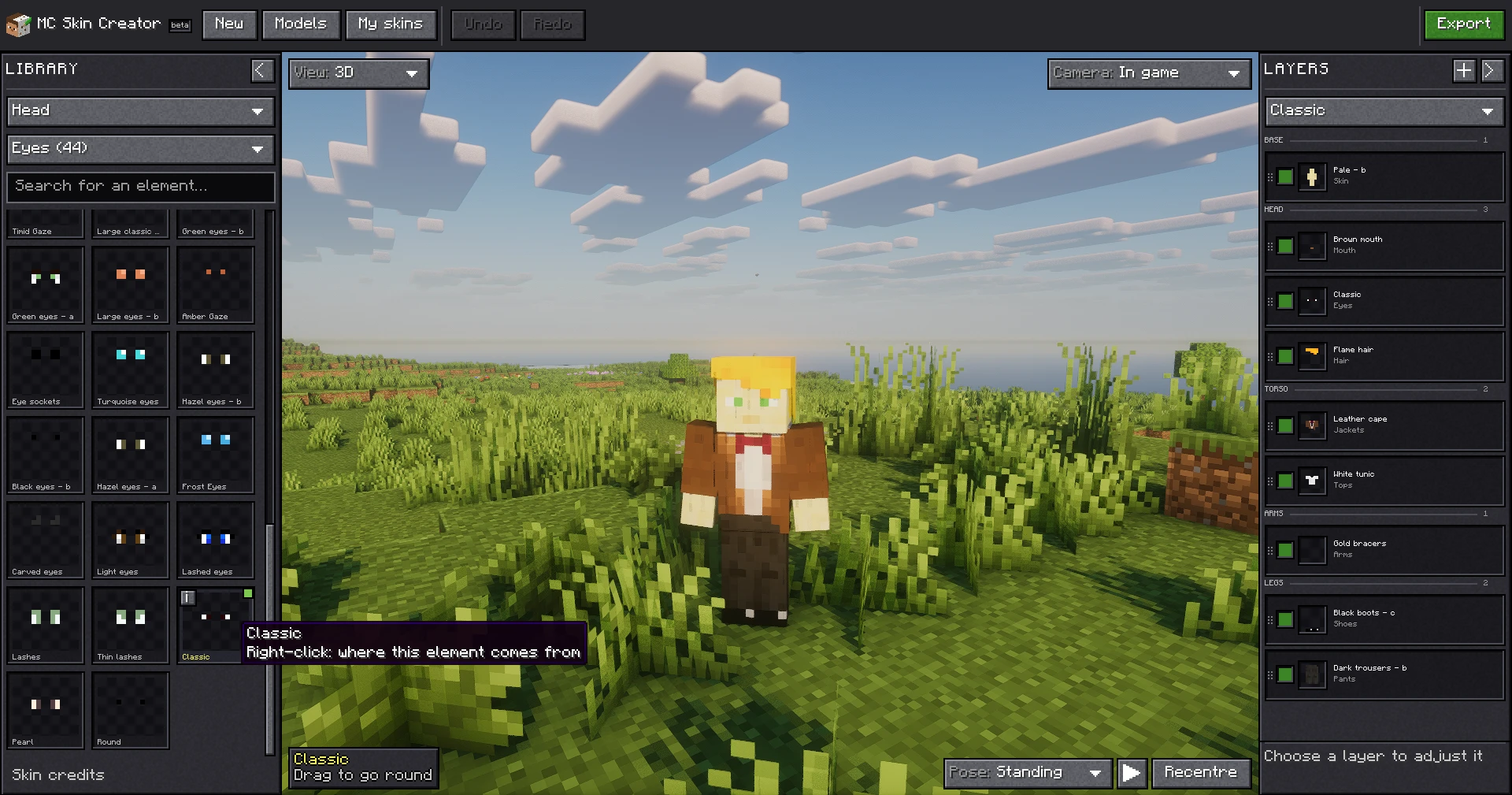
- Seeing your skin in the world. The “In game” view draws the real character in the world, under the game’s lighting and under a shader pack. The engine only draws the local player when they are the camera, so I built on the game’s own third person, orbit included. The character’s animation goes through a mixin on the render state, which changes one picture on this client, whereas animating the entity would have been game state sent to the server.
- Three mixins, no more. One to wear the uploaded skin before Mojang propagates it, one to pose the character in the world, one to hide the HUD without hiding the first-person arm. Each is justified in the repository and checked in the bytecode of both versions, including descriptor remapping.
Quality, CI/CD and security
This project was built like a product shipped to real players, not a prototype: the whole delivery chain is automated.
- GitHub Actions, one job per game version. Every pull request builds and tests the mod on 1.21.11 and 26.2 in parallel; a broken version does not hide the other, and each version’s jar is available as an artifact to try before merging.
- Automatic versioning and publishing. The version number is computed from conventional commits (new feature, fix, or no release at all when the change is purely internal). A merge to
maincreates the GitHub release with one jar per Minecraft version and uploads it to Modrinth;developproduces pre-releases. - A strict branch flow. Work happens on dedicated branches, never directly on
main, and nothing is merged without human review, however green the CI. - JUnit 5 tests on the pure logic: layer stack and history, composition, project document, catalogue reading.
- Security. The Minecraft session token is read only when clicking “Apply”, by a single class, sent to a single Mojang endpoint, and never sent to the site’s server, logged or written to disk. A
SECURITY.mdfile points to where each claim can be checked in the code. On the build side, secrets stay in the repository secrets, themcsc-enginelibrary is pinned to an exact version and bundled in the jar, and publishing only happens with dedicated credentials.
A project built with AI
The mod was developed with Claude Code as a coding assistant, and I stand by that: my role was to direct, frame and validate. In practice:
- I decide the architecture and constraints: a single source tree for several game versions, the frozen API as the only contract with the site, a capped number of mixins, the composition engine shared with the site instead of copied. These choices are written down in the repository (
CLAUDE.md,DECISIONS.md,INTERFACE.md), which gives the AI written rules to follow rather than verbal instructions. - The AI implements, CI decides. Work goes through branches and pull requests; it is the tests and the build on both Minecraft versions that validate, not trust in generated code. I review every change before merging.
- What I took from it: writing precise specifications, breaking work down, verifying rather than assuming (for example checking in the bytecode that mixins are properly remapped), and staying in control of code I did not type line by line.
The link with the website
The mod is the Minecraft client of the MC Skin Creator (website) project: the site provides the back-end (Java / Spring Boot API, piece catalogue, composition engine) and the Angular web editor; the mod is a second entry point, inside the game. The two projects are developed together and share the same data.
Unofficial project. Not approved by or associated with Mojang or Microsoft. “Minecraft” is a trademark of Mojang Studios.